Workshop asset management software
Know what equipment you have, what needs attention and what happened before.
AssetForge gives Australian workshops one practical record for machinery, vehicles, tools and equipment — with QR labels, checks, faults, documents, reports and history connected to the asset.
What it replaces
Move the asset record out of folders, spreadsheets and memory.
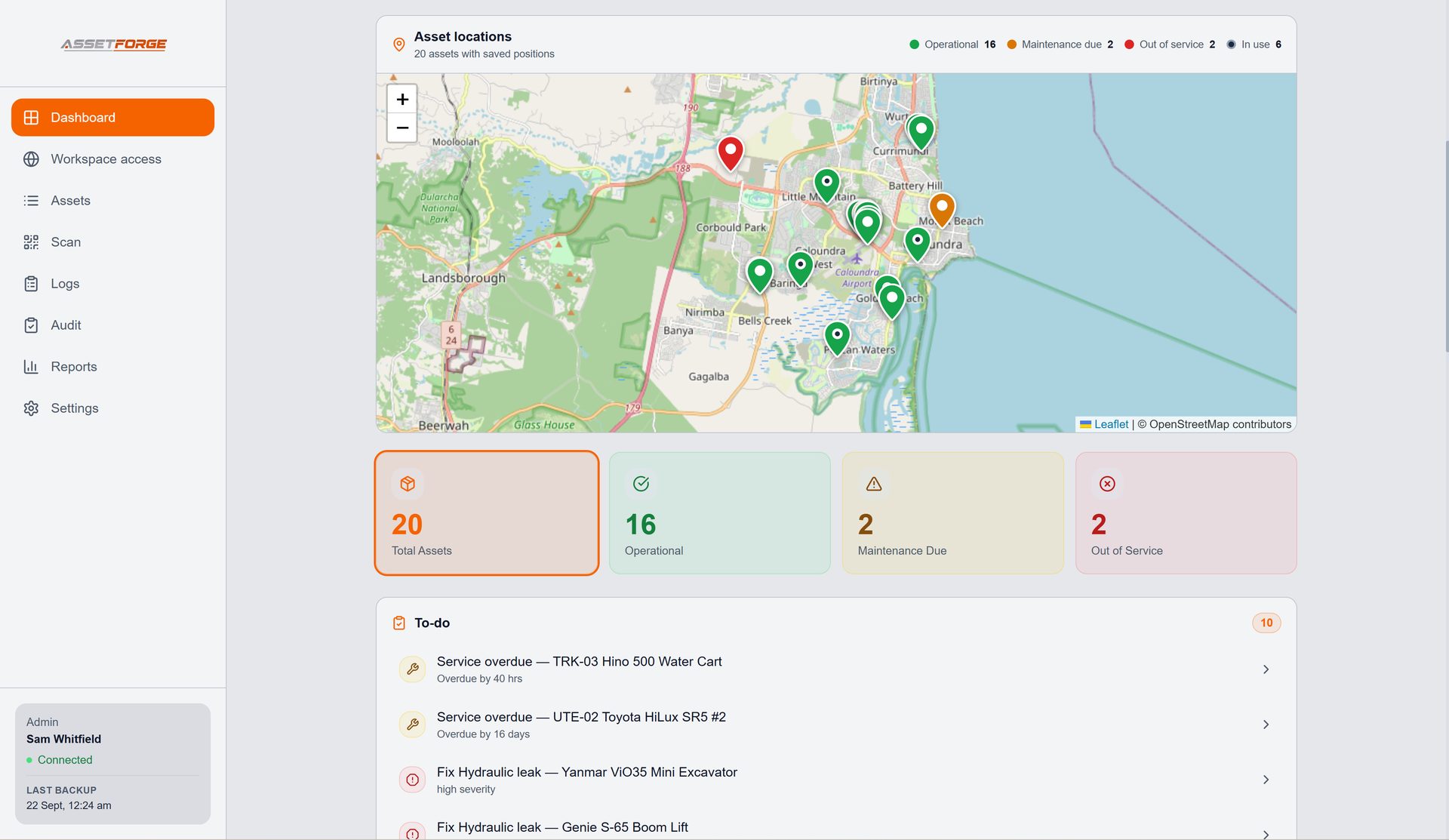
A workshop normally already has the information — the hard part is finding the right version when a machine needs attention. AssetForge keeps the operational record attached to the equipment itself.
Track identity, status and details for the equipment that matters to your operation.
Capture recurring inspections and problems against the same asset history.
Keep manuals and records available, then export useful reports from the stored history.
On the floor
A QR label turns the physical machine into the entry point.
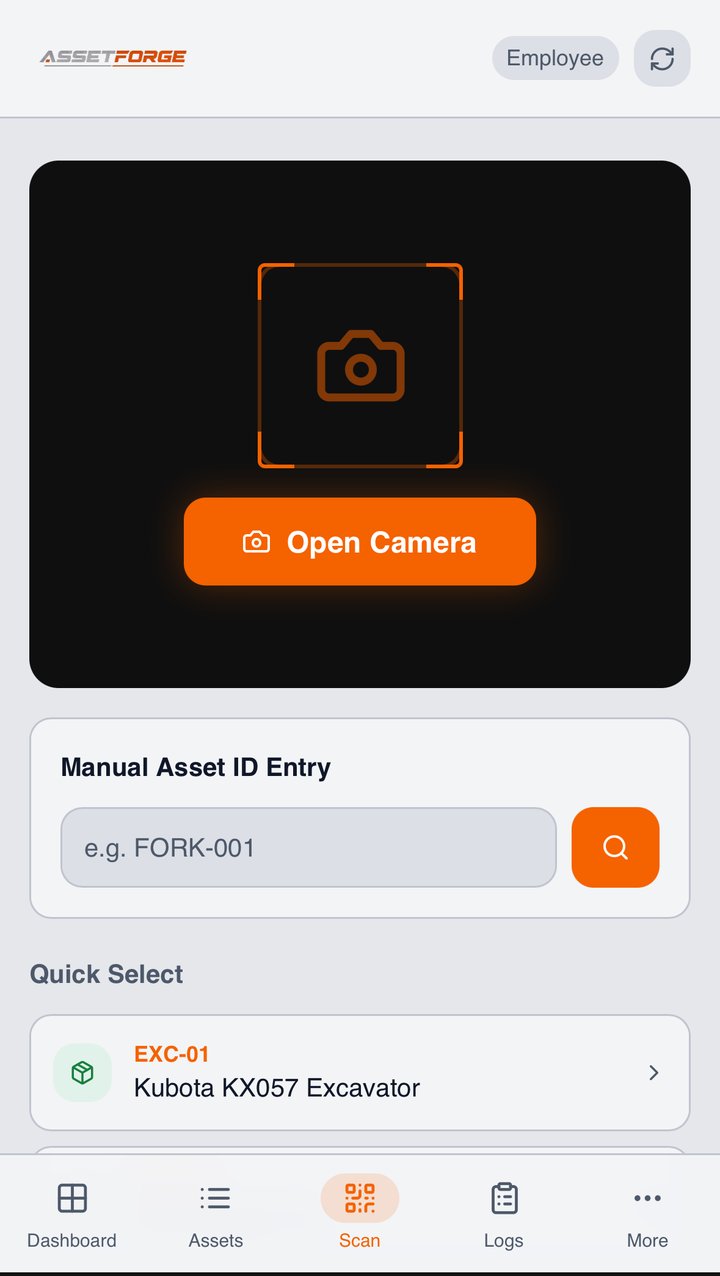
Staff can scan an AssetForge QR label from a phone, open the matching asset and continue into the job they need to complete. There is no separate floor app to install.
- Open the correct asset from a QR label
- Complete pre-start and recurring checklists
- Report faults with descriptions and photos
- Review recent history without returning to the office PC
At the desk
See the state of the workshop without chasing the paperwork.
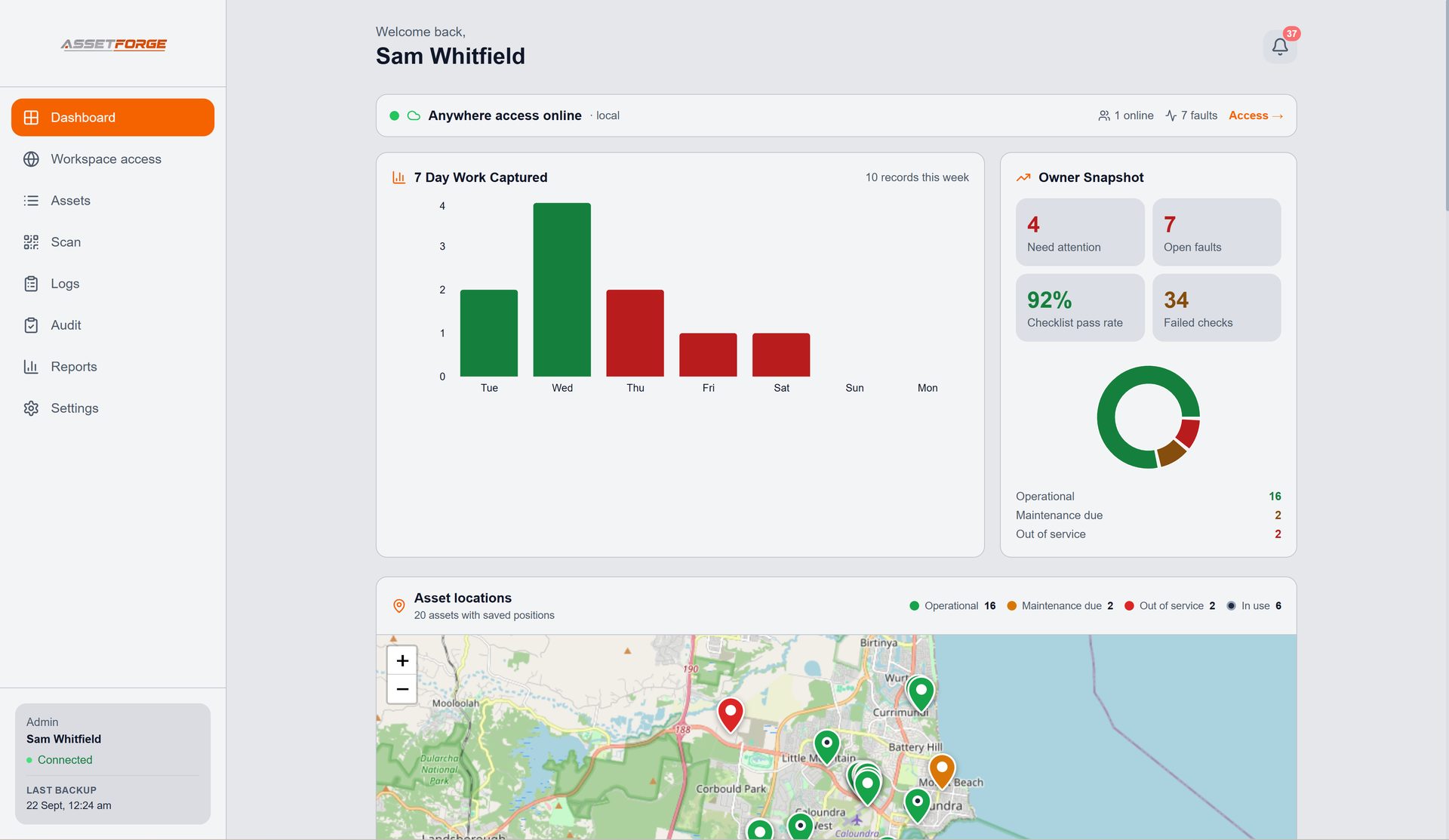
The desktop workspace gives the person responsible for the equipment a clearer view of asset status, current faults, recent work and records that need follow-up.
Designed for equipment-based workplaces
AssetForge is a focused fit for mechanical and fabrication workshops, small fleets, equipment hire operators and trade teams that need asset records without a large enterprise platform.
Common questions
Workshop asset management FAQ
Straight answers about where AssetForge fits and how the system runs.
What is workshop asset management software?
Workshop asset management software keeps equipment records, status, inspections, faults, documents and history organised around each physical asset rather than separate spreadsheets or paper forms.
What equipment can AssetForge track?
AssetForge is designed for equipment such as forklifts, workshop machinery, vehicles, tools and other assets that benefit from an ID, QR label, checks, documents and history.
Does every employee need a paid account?
AssetForge is sold as a workshop system rather than per-user or per-asset pricing. Staff access the floor workflow from their phone browser according to the permissions you configure.
Does AssetForge require cloud storage?
No. AssetForge is local-first: the main Windows computer stores the working records, and phones connect over the workshop Wi-Fi or a secure remote link. Backups can be saved to a folder you choose.
New in AssetForge
New features, and which plan they’re in.
AssetForge is $99.99/month for the full workshop system. AssetForge Advanced ($129.99/month) adds maps, deeper history and your branding.
One tap to take or return an asset, recorded against the staff login with the phone’s location.
Send services to Google, Outlook or Apple Calendar with a time block and an assigned person.
A private https link for phones on mobile data, at job sites or at home. No VPN or router setup.
Colour-coded pins show where every asset was last used, its status and who has it.
Compare both plans · Recommended plan by industry · Still not convinced? See how we compare on cost →
Put one clear record behind every workshop asset.
See the full AssetForge workflow or ask for a walkthrough before setting it up.