Transport & fleet maintenance
Keep every vehicle's pre-trip, service and fault history in one place.
AssetForge gives small-to-mid fleets a QR-linked record for each vehicle and trailer — pre-trip checks, service due dates and fault reports — without paying for a full fleet telematics platform. Read the connectivity section below before you rely on it for vehicles that leave the depot.
Right-sized for smaller fleets
Not every fleet needs a full TMS.
Enterprise fleet platforms are built for hundreds of vehicles and priced to match. AssetForge covers what most small and mid-size fleets actually need: identity, pre-trip checks, faults and history — at a flat monthly cost.
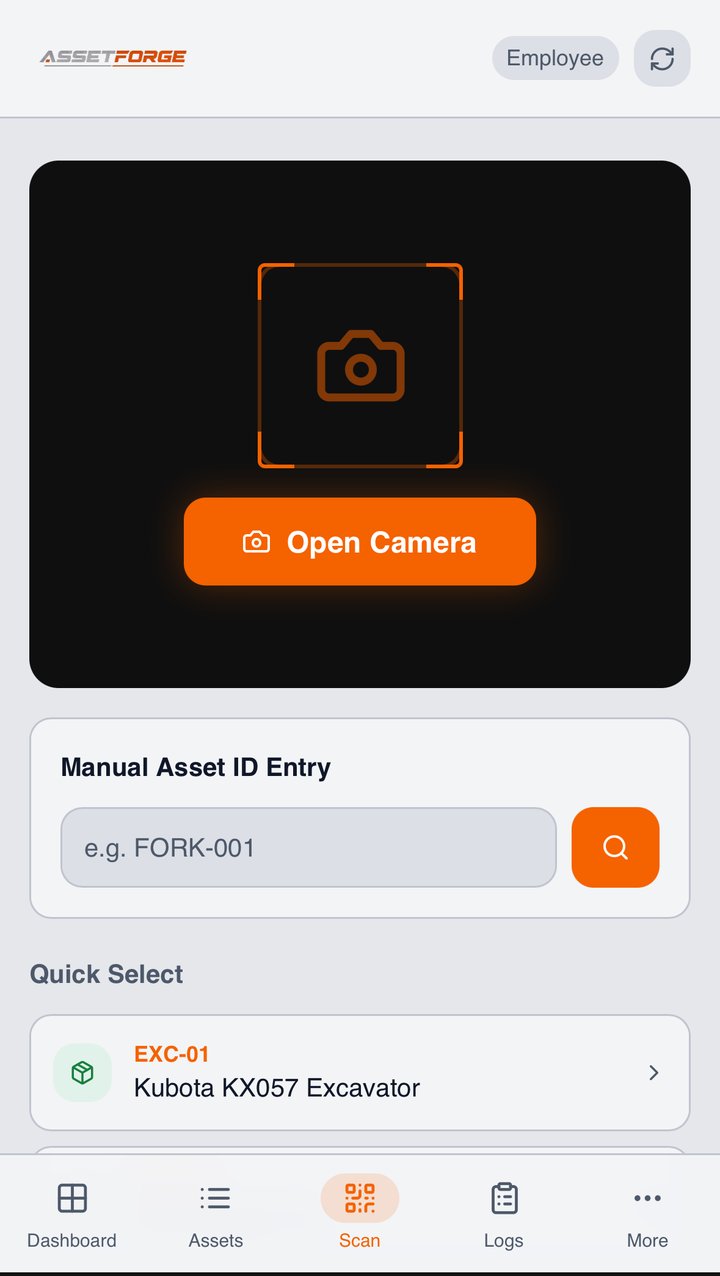
Drivers scan the vehicle's QR tag and complete a pre-trip check from their phone before heading out, while still connected to the depot network.
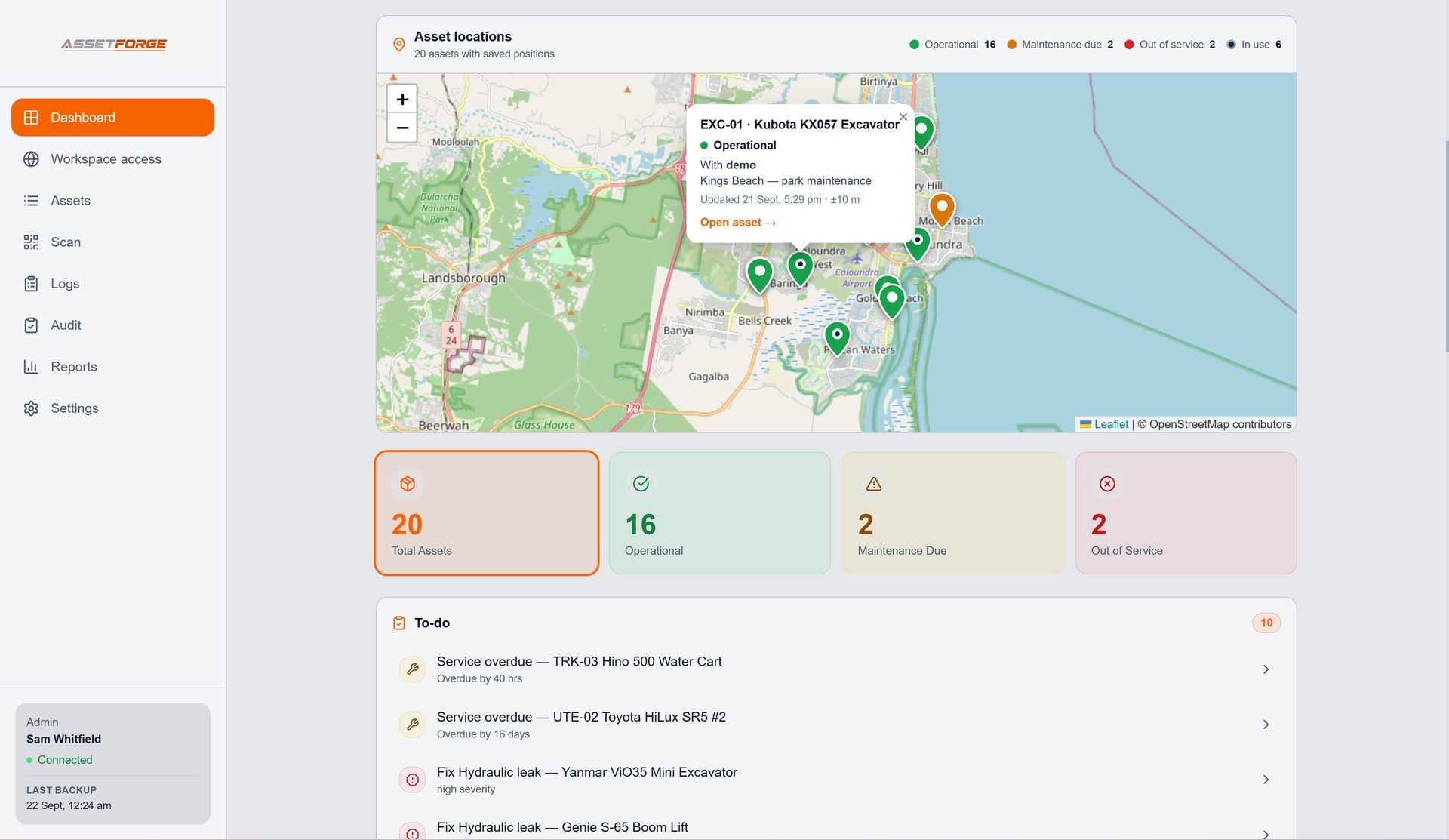
See which vehicles are overdue or approaching a service interval from the desktop dashboard, instead of chasing a spreadsheet.
A defect found on the road is logged with photos and severity once the vehicle is back on the network, then tracked through to resolution.
Your asset register can grow with the fleet without triggering extra software fees — the plan is flat regardless of vehicle count.
How the connection works
AssetForge runs on your own computer, not someone else's cloud.
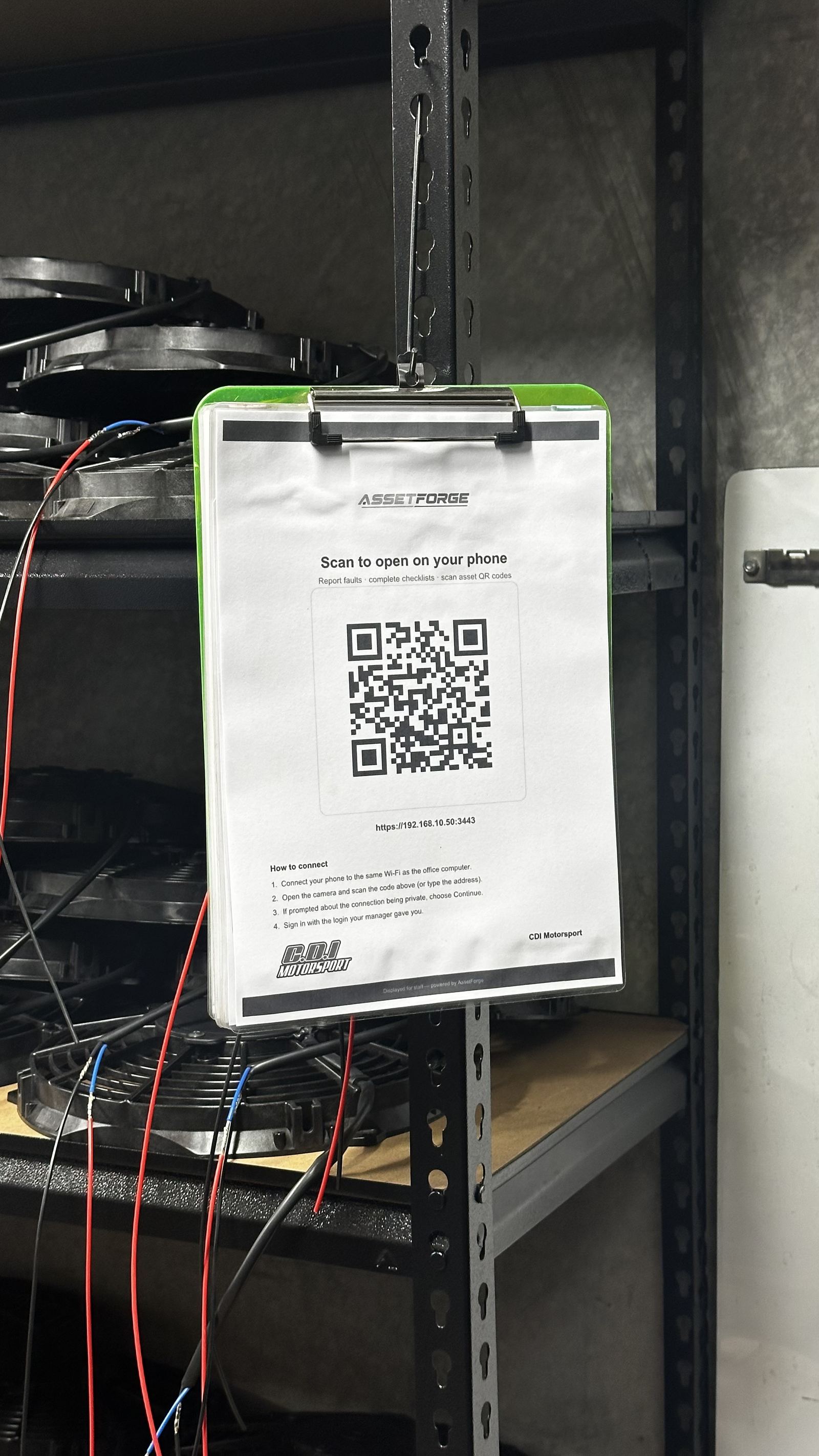
AssetForge is hosted on a computer at your workshop or depot. Staff phones connect to it over the workshop Wi-Fi, or from anywhere through AssetForge's secure remote link. For a fleet, that means drivers aren't tied to the depot: with Remote Access switched on they can complete checks, report faults and clock vehicles in or out from the road on mobile data, with the phone's location recorded each time.
- Phones scan, check and report on the workshop Wi-Fi or from anywhere via secure remote access
- Remote access runs through a private, encrypted link to your own PC — no public app store listing, no vendor cloud holding your records
- Your data stays off someone else's servers, and remote access stays off until an admin turns it on
Plan around this
What this means for your pre-trip routine.
Checks can happen at the depot or on the road. The one thing AssetForge isn't is a live GPS tracker — it records location when a vehicle is clocked in or out.
Drivers scan the vehicle, complete the pre-trip check and clock it out to their own login — the location is recorded automatically.
Faults found mid-trip can be reported straight away from the driver's phone over the secure remote link. AssetForge isn't a live tracker — on AssetForge Advanced, the fleet map shows each vehicle's last clock-in/out position.
Drivers clock the vehicle back in — with its location — and the status is ready for the next shift. Managers see it all on the dashboard.
Common in small fleets
The problems this replaces.
Most of this is invisible until an insurer, auditor or new driver asks for a record that turns out not to exist.
- A paper log book that lives in the glovebox until it's lost
- Service intervals tracked from memory or a whiteboard
- Faults mentioned in a group chat and never followed up
- No record to show an insurer after an incident
Questions
Transport & fleet FAQ
What fleet operators usually ask before switching from paper log books.
Does AssetForge track vehicles in real time while they're out?
Not continuously. AssetForge isn't a telematics platform, so there's no live feed of a moving vehicle. It records pre-trip checks, faults, and clock in/out with the phone's GPS position — at the depot or out on the road over the secure remote link. On AssetForge Advanced, the fleet map shows each vehicle's last recorded position and who has it.
So what happens if a driver finds a fault on the road?
They report it on the spot from their phone through the secure remote link — fault type, severity and a photo — so the workshop knows before the vehicle is even back.
Does AssetForge include GPS tracking?
Location, yes — live tracking, no. Each clock in/out records the phone's GPS position, and AssetForge Advanced adds a colour-coded fleet map and custody history. For continuous live tracking you'd still use a telematics system alongside AssetForge.
Can drivers use it without installing an app?
Yes — drivers open AssetForge in their phone's browser, at the depot or on the road, with no app store install required.
How many vehicles can we track?
There's no per-vehicle fee — both plans cover your full asset register regardless of fleet size, within the 2 activation licence limit for admin computers.
Can drivers complete checks away from the depot?
Yes. With Remote Access switched on, drivers use a secure https link on mobile data, so pre-trip checks, fault reports and clock in/out all work from the road — each one recorded against the driver's own login with the phone's position.
Which plan suits a fleet?
AssetForge Advanced ($129.99/month) is the usual pick for fleets: the map shows where each vehicle was last clocked in or out, and custody history shows who had it. A small depot-based fleet that stays on site works fine on AssetForge at $99.99/month.
Across a fleet
What a depot gets out of it in week one.
Drivers already check vehicles. Putting it on a phone means the record survives the shift, the driver and the paper log book.
Each driver completes the check against their own login, with odometer or engine hours captured at the same time.
Severity and photos sent from the driver's phone through the secure link, so the workshop knows before the vehicle returns.
Clock in/out records the driver and the phone's position, building a custody trail per vehicle.
On Advanced, the fleet map shows where each vehicle was last clocked in or out — useful when nobody can remember where the trailer went.
Intervals per vehicle, scheduled into a calendar with the fitter assigned so it doesn't slip.
When a driver leaves, the record stays with the vehicle rather than in their glovebox.
Recommended plan
AssetForge Advanced $129.99 AUD / month
Vehicles leave the depot — clock in/out with GPS, the fleet map and custody analytics show where every vehicle was last used.
AssetForge suits a small depot-based fleet that stays on site.
Give every vehicle a record that survives staff turnover.
See how digital pre-trip checks work before you switch your fleet over.