Construction, trades & plant
Know where every tool and machine on site actually is.
Forklifts, generators, compactors and shared tools move between sites and utes constantly. AssetForge gives each one a QR identity, a pre-start check and a fault trail so equipment loss and downtime stop being treated as normal.
Site reality
Equipment that moves is equipment that gets lost.
Between sites, utes and subcontractors, plant and tools are easy to lose track of. A QR tag and a scan is a lower-friction habit than expecting anyone to fill in a spreadsheet from site.
Run the daily forklift pre-start as a phone checklist tied to that specific machine's record, not a generic paper pad kept in the cab.
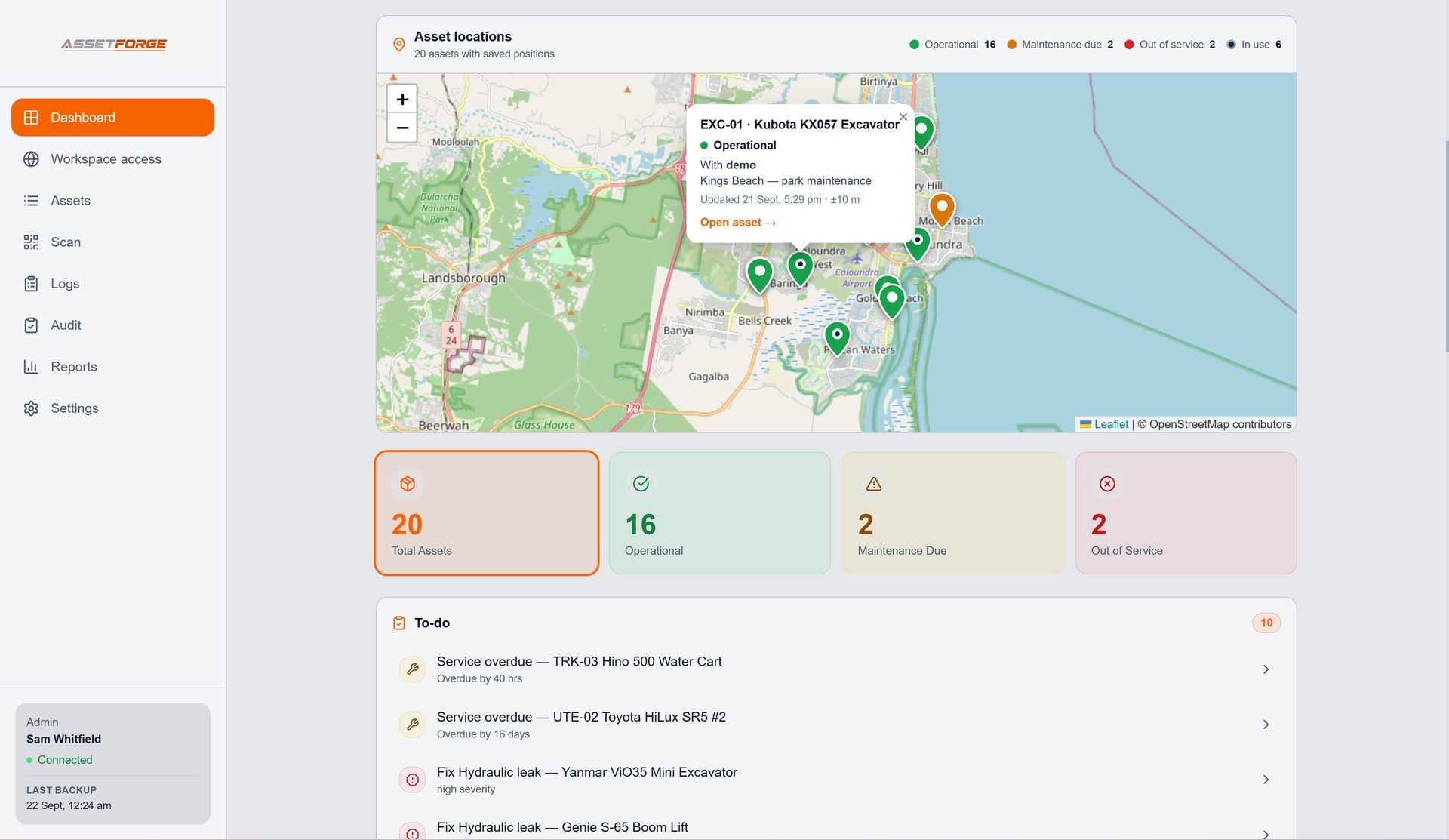
See the last known status of shared plant and tools instead of relying on memory or the group chat.
Log a fault on site with a photo, so damaged or unsafe equipment gets flagged before the next job instead of being quietly worked around.
Give a subcontractor a login scoped to just the checks and faults they need, so their equipment interactions are tracked too.
How it works on site
A habit, not a form.
The whole point is that scanning a tag is faster than not doing the check.
Scan on arrival
Whoever picks up the forklift, generator or tool scans its tag before use.
Complete the pre-start
A short checklist appears on their phone — pass, fail, or flag with a photo.
Log a fault if found
Damaged or unsafe equipment gets a fault entry with severity, so it's visible before the next job.
Review from the office
The desktop dashboard shows overdue checks, open faults and equipment status across every site.
How the connection works
AssetForge runs on your own computer, not someone else's cloud.
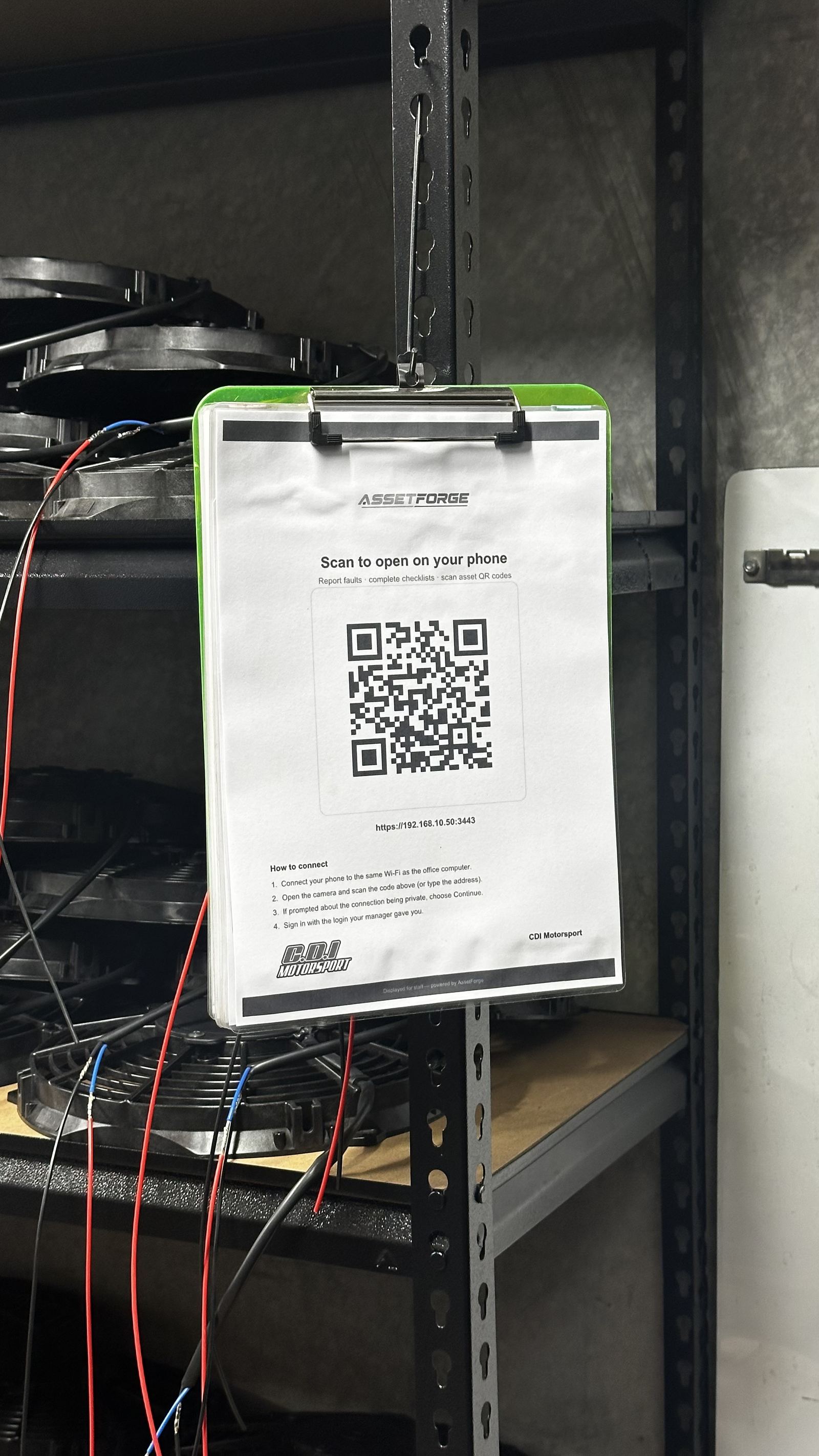
AssetForge is hosted on a computer at your workshop or depot. Staff phones connect to it over the workshop Wi-Fi, or from anywhere through AssetForge's secure remote link. On a single site with its own Wi-Fi this is straightforward. Across multiple sites, staff can reach one AssetForge install through the secure remote link — no Wi-Fi coverage planning needed for daily pre-starts.
- Phones scan, check and report on the workshop Wi-Fi or from anywhere via secure remote access
- Remote access runs through a private, encrypted link to your own PC — no public app store listing, no vendor cloud holding your records
- Your data stays off someone else's servers, and remote access stays off until an admin turns it on
Compliance-friendly
A record you can actually produce if asked.
If a site safety audit or insurer asks for pre-start records on a forklift or item of plant, a searchable digital history is a very different position to a missing paper sheet.
- Pre-start records tied to the specific machine, not a generic pad
- Photos and severity attached to every reported fault
- Reports exportable for audits, insurance claims or handovers
- A dated history that is hard to dispute after the fact
Questions
Construction & trades FAQ
Questions from crews replacing paper pre-starts and tool sheets.
Does this work across multiple sites?
One AssetForge install can serve every job site: crews use the secure remote link on mobile data, and AssetForge Advanced shows where every piece of plant was last clocked in or out on a map.
Is there a specific forklift pre-start checklist?
Yes — see the dedicated forklift pre-start checklist guide for the practical breakdown.
Can subcontractors use it too?
You can create a login for anyone who needs to run checks or report faults, and control exactly what they can see and do.
What if a tool leaves the site Wi-Fi entirely?
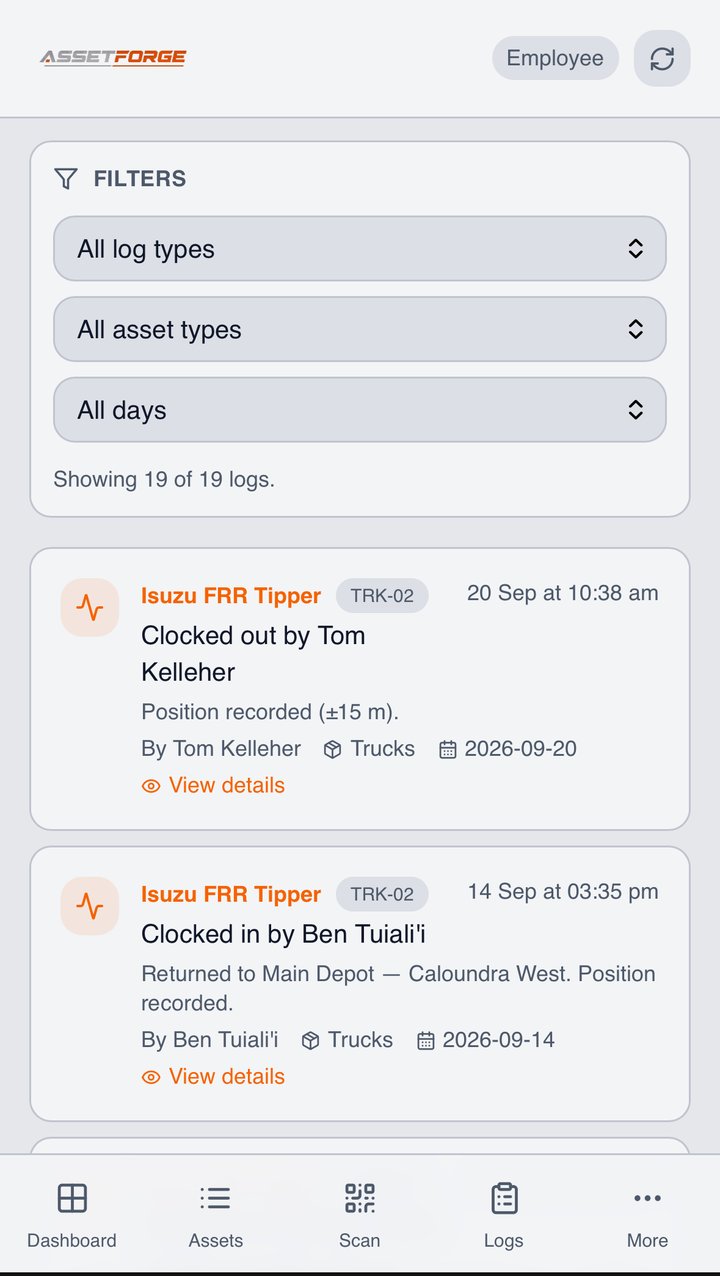
Checks and scans work on site over Wi-Fi and off site through the secure remote link, so a tool out on a job can still be checked, reported and clocked in with its GPS position.
How do crews use it away from the yard?
Through the secure remote link. Once Remote Access is on, a crew on a job site can scan a QR tag, complete a pre-start, report a fault with a photo, and clock plant in or out on mobile data. Each clock in/out records the phone's GPS position, so the yard knows where the excavator finished the day.
Can we see where our plant is without a GPS tracker?
On AssetForge Advanced, yes — the live map shows every asset's last recorded position, colour-coded by status, with who has it. It's not continuous tracking like a telematics box; it's the position at the moment someone last clocked the item in or out, which is usually the question you're actually asking.
Which plan suits a plant-based business?
AssetForge Advanced ($129.99/month) is the usual pick when gear moves between sites, because of the map and custody history. A small crew whose tools live in one yard is fine on AssetForge at $99.99/month.
On a plant-based job
What the yard knows without ringing anyone.
Plant moves daily. These are the questions AssetForge answers from the records crews create as they work.
Each clock in/out records the phone's position. On Advanced, the map shows every machine's last known spot, colour-coded by status.
Custody shows the person holding each item right now, and the full history of who had it before.
Digital pre-starts per machine type, with engine hours, pass/fail per item and a photo when something's wrong.
Faults raised from the phone with severity and photos, so the workshop can plan parts before the machine comes back.
Hours or calendar intervals per machine, with services added to Google, Outlook or Apple Calendar and assigned to a fitter.
Small tools tagged the same as big plant — the cheapest way to find out what's walking off.
Recommended plan
AssetForge Advanced $129.99 AUD / month
Plant and tools move between job sites every day — the live map and custody history show where each item is and who has it.
AssetForge suits a small crew with gear that stays in one yard.
Put a QR tag on it before it goes missing.
See how QR asset tracking works before you tag your first machine.