Warehouse & logistics
Every forklift and stacker, checked before it moves a single pallet.
Forklifts and electric stackers get pre-start checks skipped more than almost any other equipment, usually because paper sheets are slow and easy to fake. AssetForge makes the scan-and-check habit faster than skipping it.
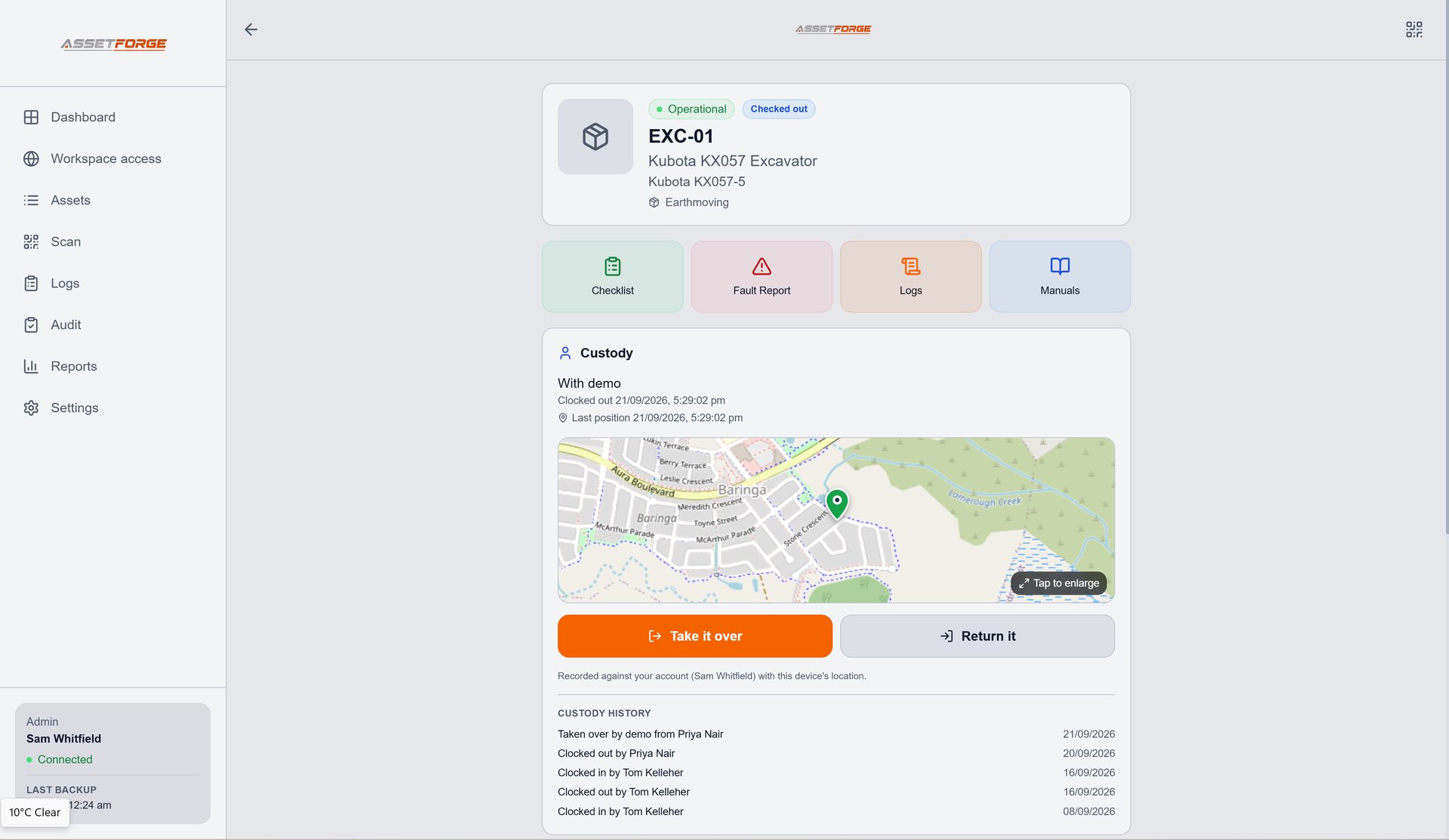
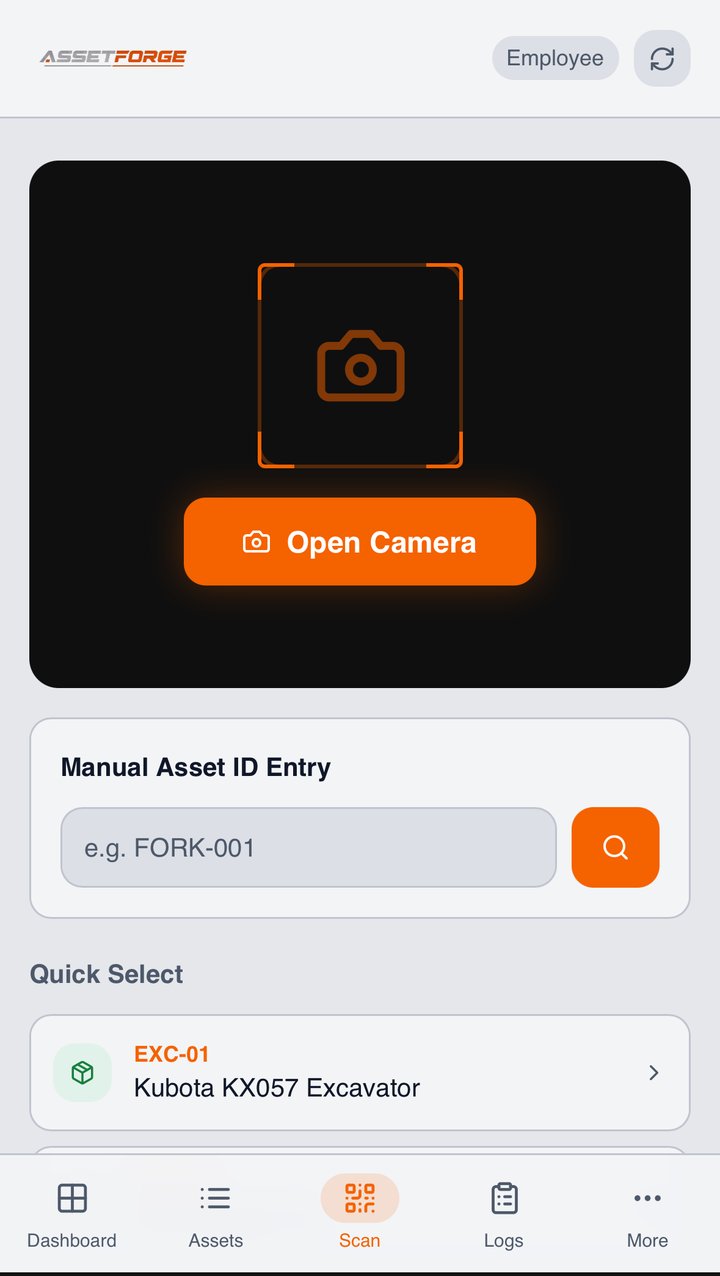
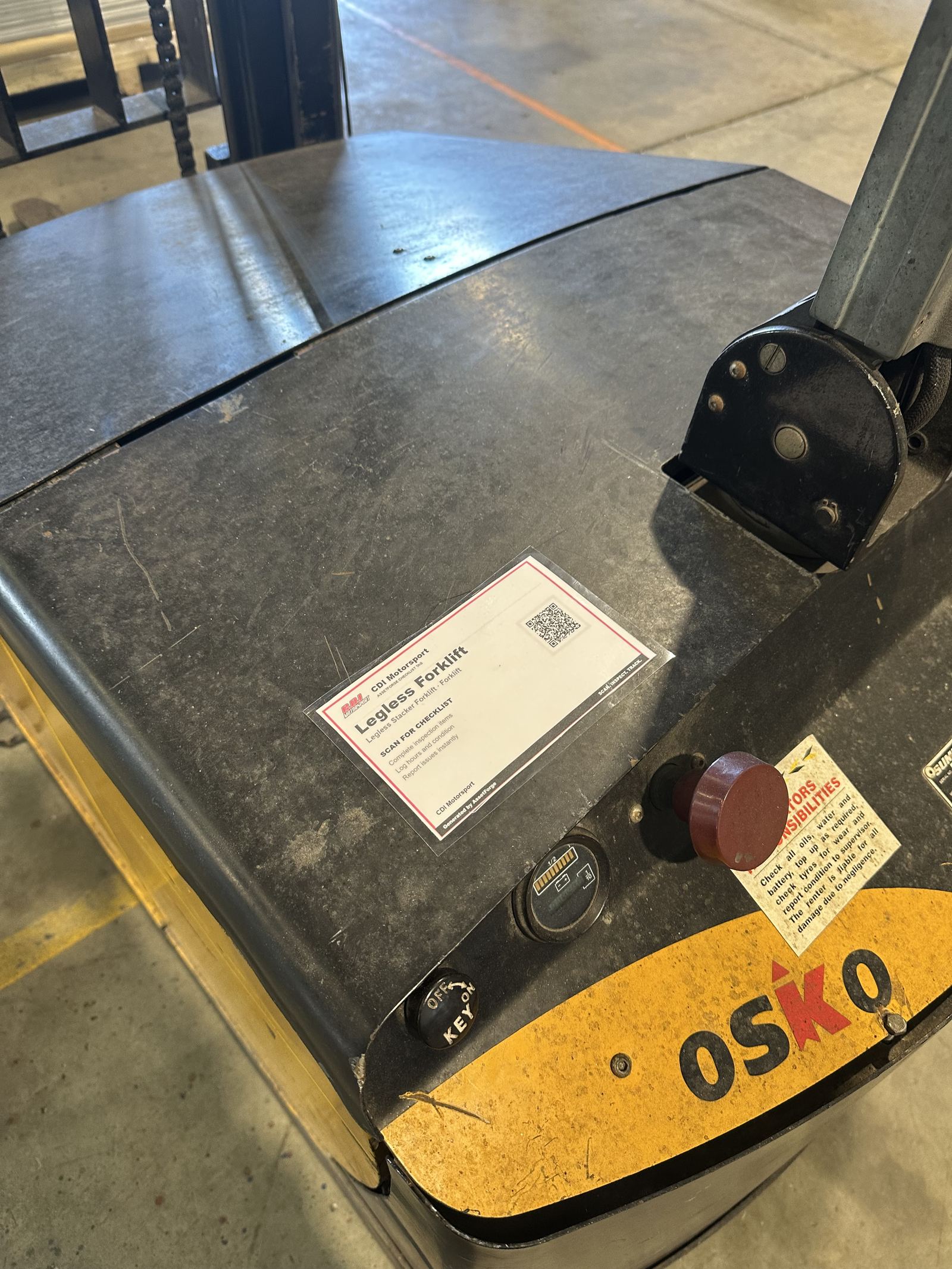
Real tags, real warehouse floor
These tags are on working forklifts right now.
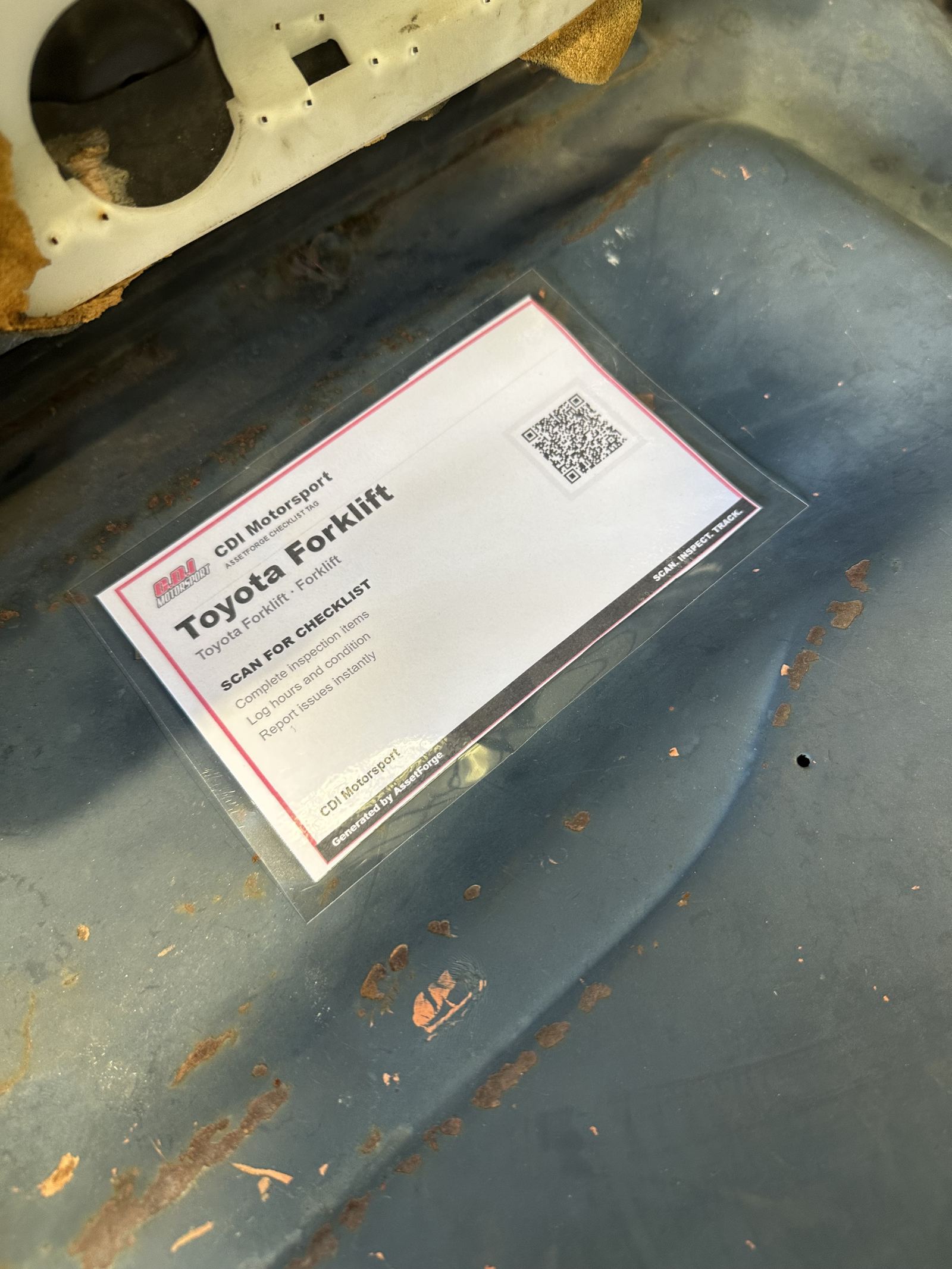
Both of these are live AssetForge checklist tags currently mounted on equipment — not product renders.
Why forklift pre-starts get skipped
Make the check faster than skipping it.
Most operators know they should do a pre-start. Most skip it anyway when it means finding a pen and a clipboard that's gone missing. A QR scan on the machine removes that friction.
Scan the tag on the forklift, run through the checklist on a phone that's already in the operator's pocket — no clipboard to find.
Build the checklist around what actually fails on your equipment — battery charge, tyre condition, fork wear, whatever matters for that machine.
A damaged fork or warning light gets logged with a photo immediately, instead of being mentioned at knock-off and forgotten by morning.
Forklifts, stackers, pallet jacks and racking equipment all sit in the same asset register instead of scattered logbooks.
How it works on the floor
Scan the machine, not a shared clipboard.
Every operator uses their own phone, so there's no shared clipboard to lose and no handwriting to decipher later.
Scan the forklift's tag
Whoever's about to operate it scans the tag mounted on the machine.
Run the pre-start checklist
Battery, tyres, forks, warning lights — whatever your checklist requires, item by item.
Flag anything wrong
A fault gets logged with severity and a photo before the machine goes near a pallet.
Supervisor reviews from the office
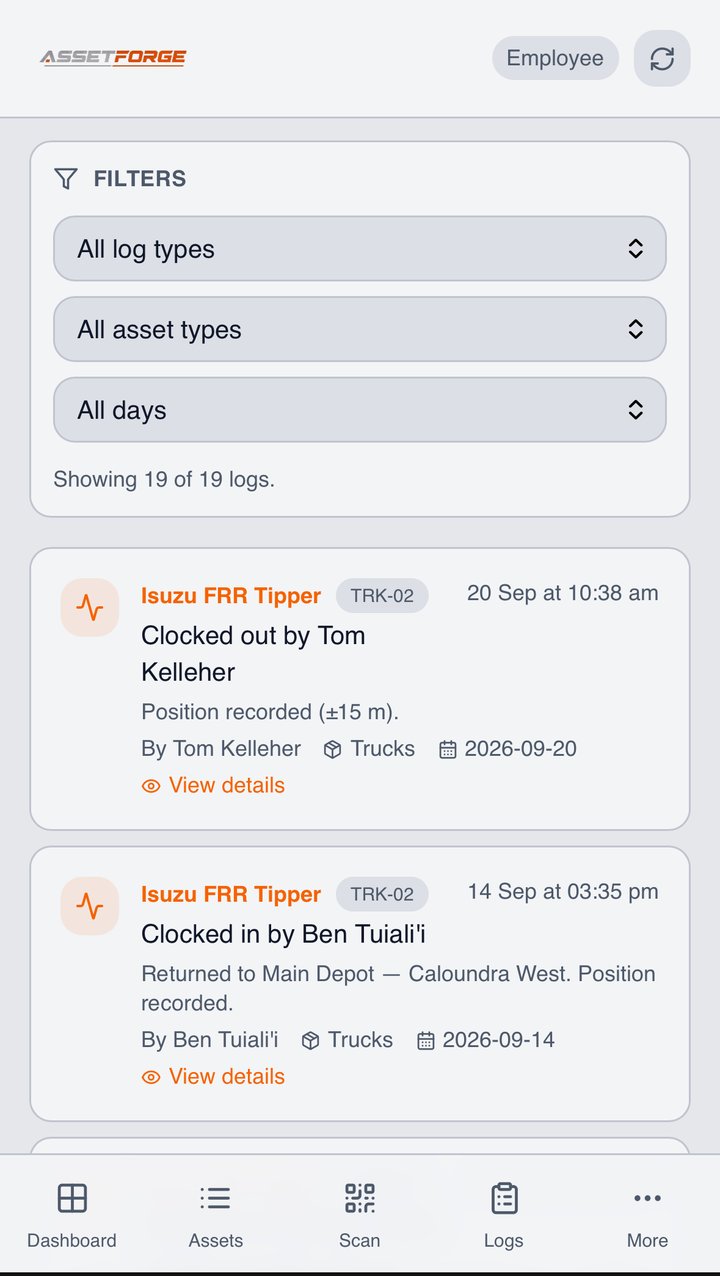
The desktop dashboard shows which machines are checked, which have open faults, and which are overdue.
How the connection works
AssetForge runs on your own computer, not someone else's cloud.
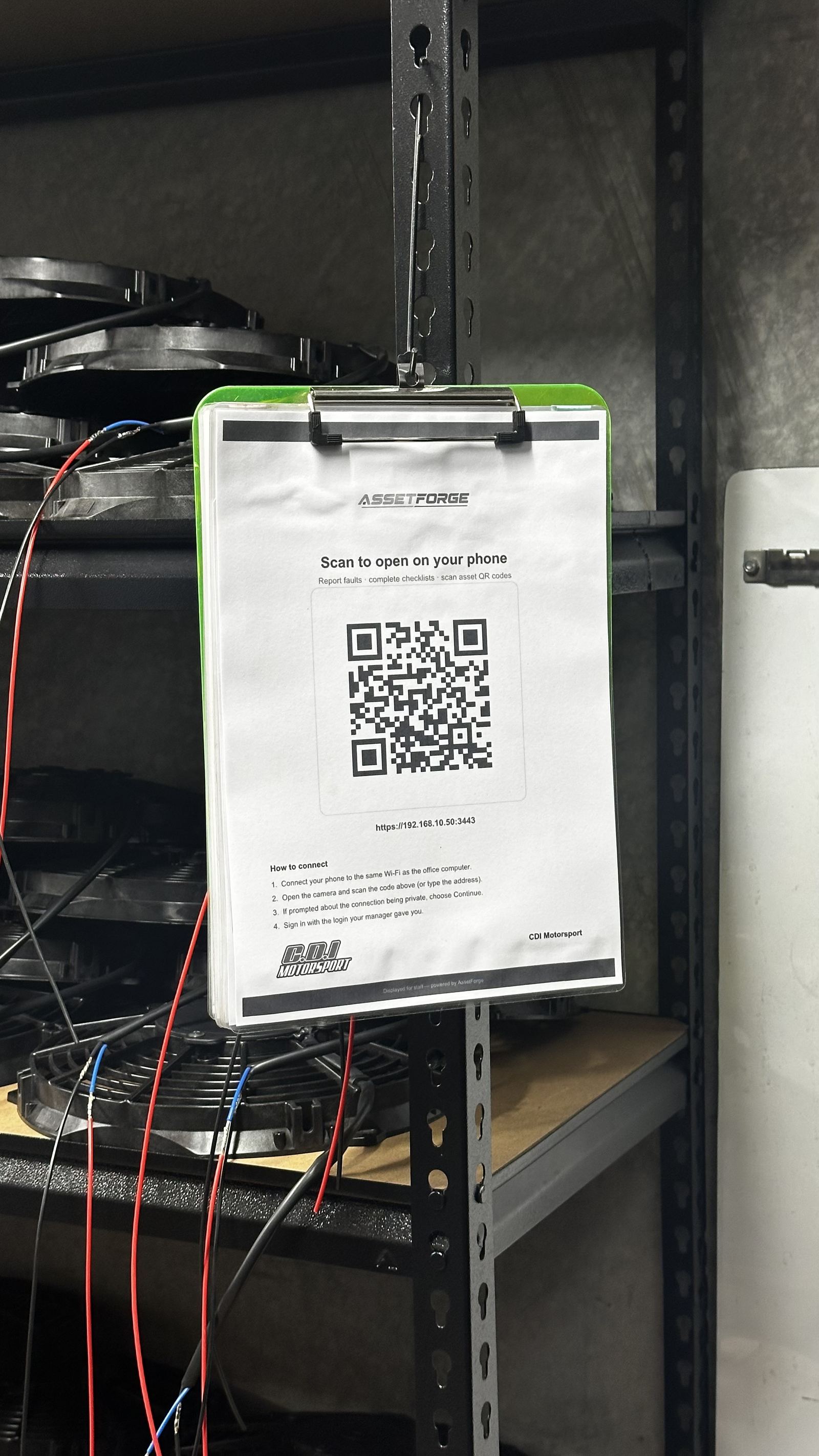
AssetForge is hosted on a computer at your workshop or depot. Staff phones connect to it over the workshop Wi-Fi, or from anywhere through AssetForge's secure remote link. For a single warehouse floor this is straightforward — the forklifts stay on-site on the same Wi-Fi as the host computer, and the secure remote link covers any second site or yard.
- Phones scan, check and report on the workshop Wi-Fi or from anywhere via secure remote access
- Remote access runs through a private, encrypted link to your own PC — no public app store listing, no vendor cloud holding your records
- Your data stays off someone else's servers, and remote access stays off until an admin turns it on
Common on warehouse floors
The problems this replaces.
None of this is unique to any one warehouse — it's the default state until someone makes the check easier than skipping it.
- A pre-start pad that's gone missing from the forklift
- Checks signed off without actually being done
- No record if a forklift is involved in an incident
- Faults mentioned verbally and never logged anywhere
Questions
Warehouse & logistics FAQ
What warehouse and logistics teams usually ask before switching from paper pre-starts.
Is there a specific forklift pre-start checklist we can use?
Yes — see the dedicated forklift pre-start checklist guide for a practical starting point you can adapt.
Can different machines have different checklists?
Yes. A forklift, an electric stacker and a pallet jack can each have their own checklist tailored to what actually needs checking on that equipment.
Do operators need to install anything?
No. Operators open AssetForge in their phone's browser on the warehouse Wi-Fi, or through the secure remote link if they're at another site — no app store install required, and every operator can have their own login at no extra cost.
Can we see which forklifts haven't been checked today?
Yes. The desktop dashboard shows check status across your fleet, so a supervisor can see at a glance what's outstanding before shift start.
Can we run more than one warehouse on one system?
Yes. With Remote Access on, operators at a second site or yard use the same install through a secure https link. On AssetForge Advanced you also get the map and per-person activity analytics across both sites.
Which plan suits a warehouse?
AssetForge at $99.99/month covers a single floor — pre-starts, faults, hours tracking and Do Not Operate tags, with unlimited operator logins. AssetForge Advanced ($129.99/month) adds the map, shift-level custody analytics and your branding on reports.
Does every forklift operator cost extra?
No — unlimited logins are included, so every operator signs in as themselves and the pre-start record names the person who did it. Compare that with per-user pricing on our cost comparison page.
On a warehouse floor
Shift-by-shift proof, without the clipboard.
Forklift pre-starts are a legal expectation and a paper pile. On a phone they become a searchable record with a name on every check.
Scan the tag on the forklift, run the check, log hours. The record names the operator and the time.
Counterbalance, reach truck, electric stacker and pallet jack each get their own list.
Racking strikes and forks damage recorded at the moment they happen instead of at handover.
Do Not Operate tags applied in the app and printed, so the next shift can't claim they didn't know.
Hours logged at each check feed service intervals and battery maintenance schedules.
The dashboard shows outstanding checks before shift start rather than after an incident.
Recommended plan
AssetForge $99.99 AUD / month
Forklifts and MHE on one floor — digital pre-starts, faults and hours tracking are what matter most.
Go Advanced for multiple sites, shift-level custody analytics or branded reports.
Make the pre-start faster than skipping it.
See how QR asset tracking works before you tag your first forklift.