What is a forklift pre-start check?
A forklift pre-start is a structured check carried out before operation at the frequency required by the equipment instructions and workplace process. Its purpose is to identify visible or functional problems early enough for the workplace to decide whether the forklift can be used, needs further assessment or should be isolated.
The most useful checklists are specific enough to guide the operator but short enough to be completed consistently. They also have a clear path for reporting a defect rather than leaving a failed tick box with no follow-up.
Forklift pre-start checklist: general items to consider
The exact list should be tailored to the forklift. A practical general checklist commonly considers the following areas:
- Forklift identification and the correct machine being inspected
- Tyres and wheels for visible damage or abnormal condition
- Forks, carriage and mast for visible damage, wear or obstruction
- Chains, rollers and visible lifting components for obvious issues
- Hydraulic hoses, cylinders and visible areas for leaks or damage
- Fluid levels where the manufacturer requires operator checks
- Seat, seat belt and operator restraints
- Overhead guard and load backrest condition
- Lights, horn, warning devices and reversing alert where fitted
- Steering, service brake and parking brake function
- Controls and instruments for normal operation and warning indicators
- Battery, LPG bottle or fuel system condition as applicable
- Leaks, unusual noises, warning lights or other abnormal behaviour
- Attachments fitted correctly and appropriate for the task
- Any defect requiring the forklift to be isolated or escalated under workplace procedure
What should happen when a check fails?
A failed pre-start item should trigger the workplace process for defects, isolation and assessment. The important part is not whether the form is paper or digital; it is whether the failed item is visible to the right person and the forklift is handled appropriately before further use.
For that reason, your checklist design should make it obvious how an operator records the problem, who reviews it, and how the asset status or follow-up action is recorded.
Paper forklift checklist vs digital pre-start
Paper can work when it is completed, reviewed and stored consistently. The weakness appears when the checklist becomes disconnected from the forklift history or a failed item needs to be followed up.
| Step | Paper process | Digital asset workflow |
|---|---|---|
| Identify forklift | Write fleet number or use a dedicated book | Open the forklift from its QR-labelled asset record |
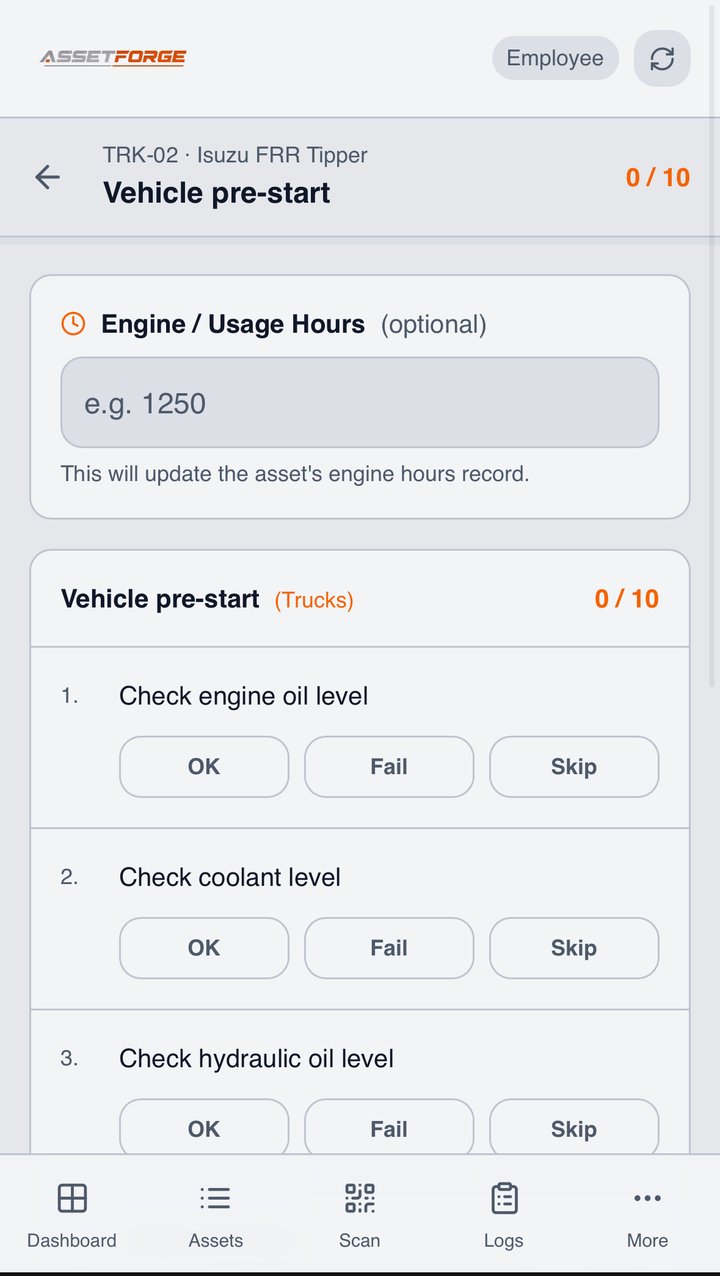
| Complete checks | Tick a printed list | Complete a defined checklist on a phone |
| Report fault | Write notes and alert someone separately | Record the issue with asset context and photos |
| Store record | File the sheet or book | Keep the submission in the forklift history |
| Review later | Find the correct paper record | Search the asset logs and inspection history |
How AssetForge can run the forklift checklist
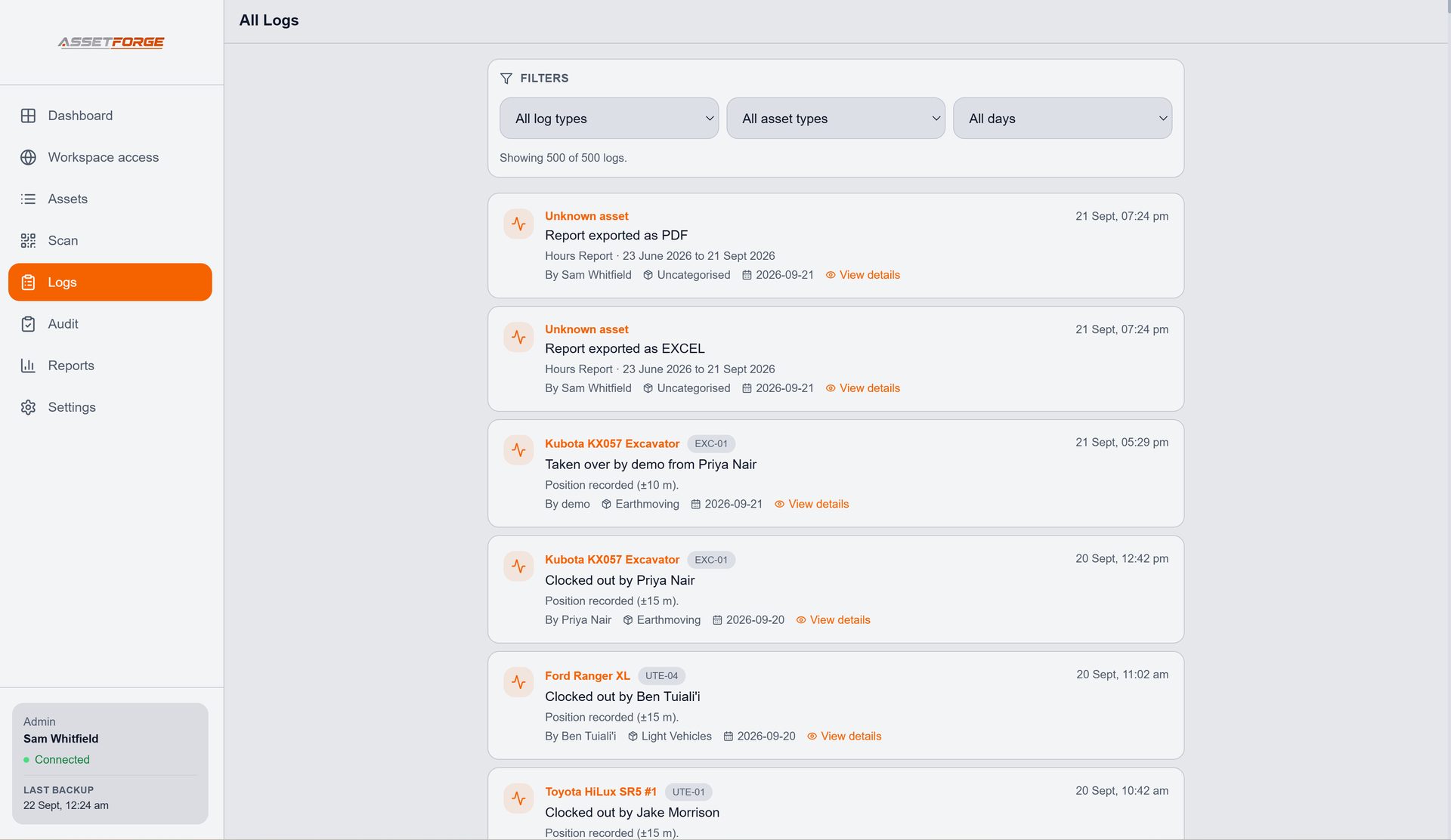
AssetForge can turn the forklift into the entry point for the workflow. Give the forklift an asset record and QR label, scan it from a phone, complete the configured pre-start and keep the submission with the machine history.
The same system can then hold fault reports, photos, usage hours, logs, manuals and reports. That means a pre-start becomes part of the equipment record rather than a separate form that must be reconciled later.
Forklift pre-start FAQ
How often should a forklift pre-start be completed?
Follow the forklift manufacturer instructions and your workplace procedures. Many workplaces conduct a pre-start before use or at the beginning of a shift, but the required frequency depends on the equipment, risk controls and applicable requirements.
What should happen if a forklift fails a pre-start check?
Follow your workplace defect and isolation procedure. Do not treat a digital checklist as permission to operate unsafe equipment; defects should be assessed and handled by the responsible or qualified person.
Can this checklist be copied directly into our workplace procedure?
Use it as a general starting point only. Your checklist should be reviewed against the specific forklift, manufacturer instructions, attachments, operating environment and the laws and procedures that apply to your workplace.
How can AssetForge digitise a forklift pre-start?
The forklift can be given an AssetForge asset record and QR label. Staff scan it from a phone, complete the configured checklist, record usage hours and report faults, with the submission kept in the forklift history.