Workshop asset management
Keep machinery, vehicles, tools, documents, status and activity together without stepping into enterprise software.
Workshop asset management → Get AssetForge
AssetForge solutions
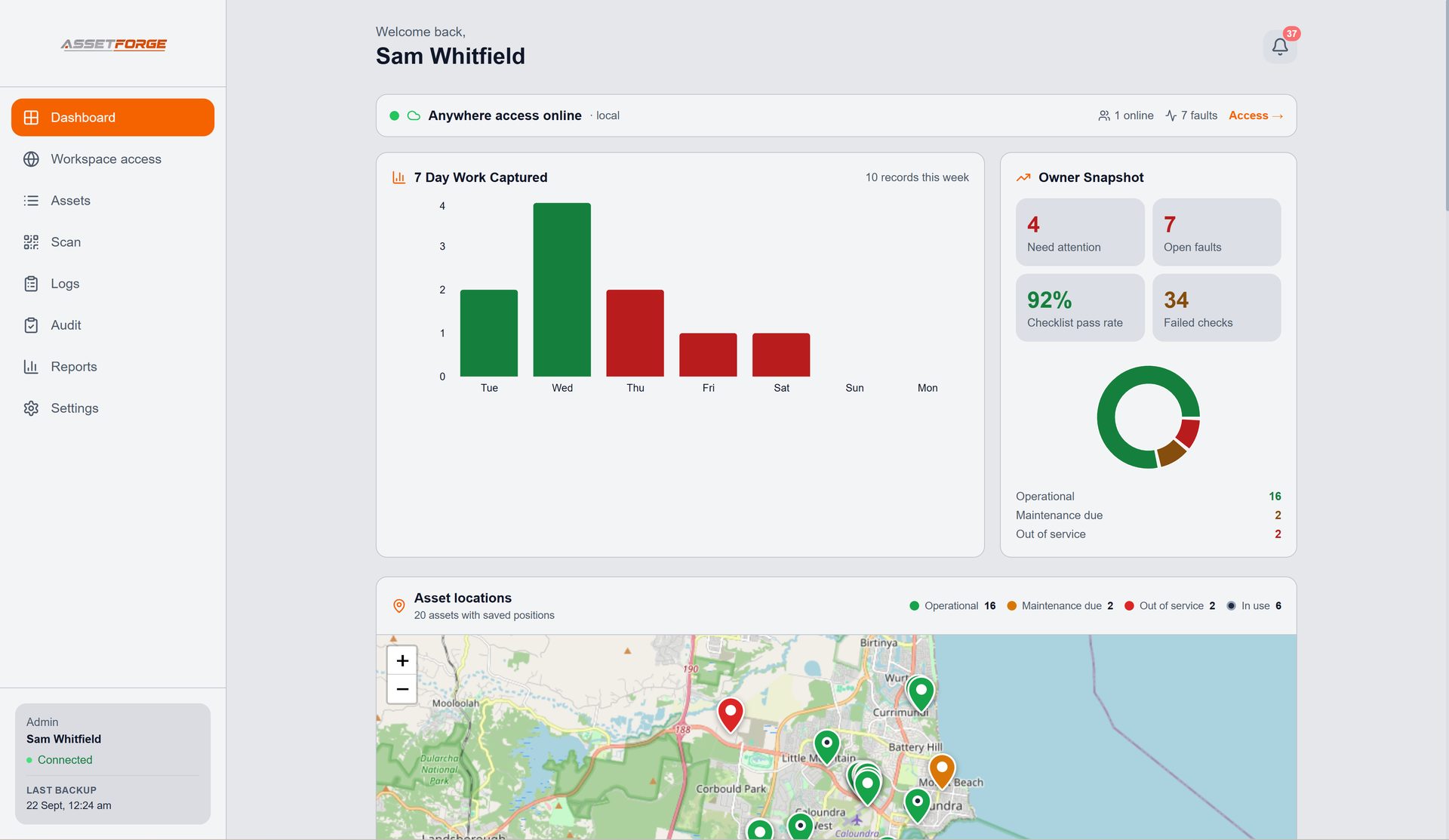
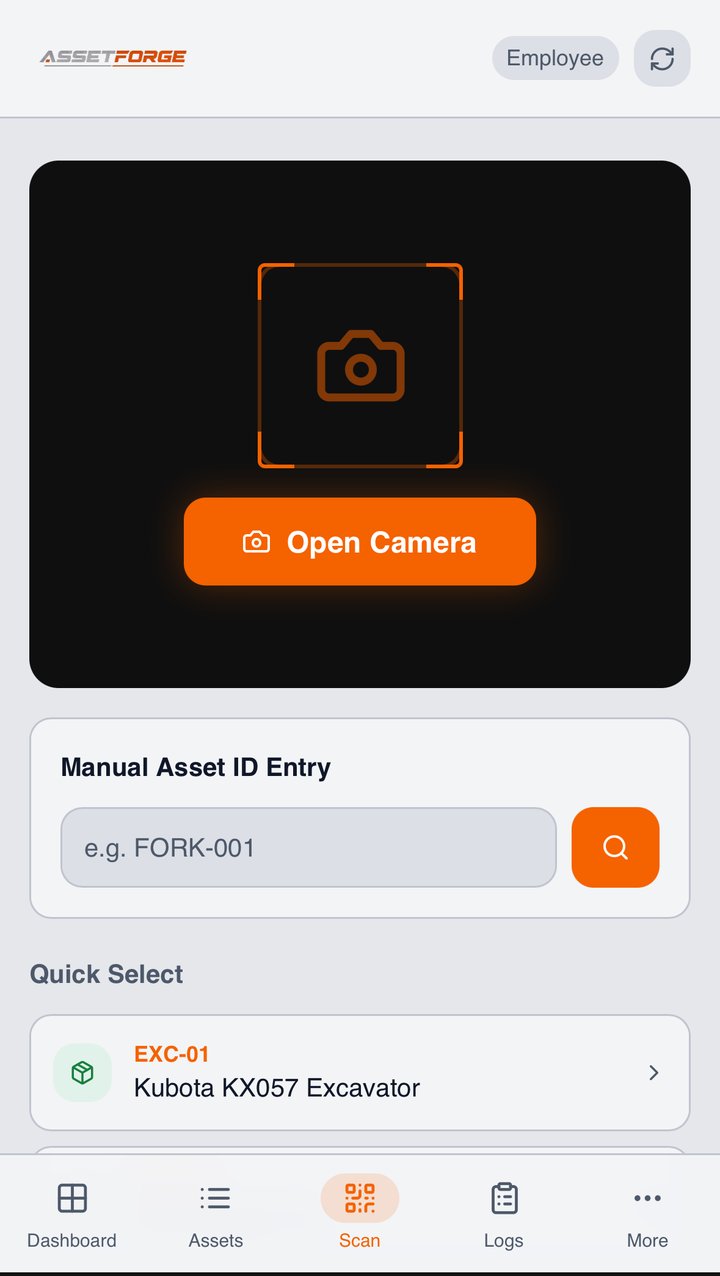
AssetForge connects QR identification, digital pre-starts, fault reporting, maintenance history, documents and reports so equipment records stay useful from the workshop floor to the office.
Start with your problem
Whether you are replacing a clipboard, trying to identify equipment faster or building a more reliable maintenance record, the same asset history sits behind the workflow.
Keep machinery, vehicles, tools, documents, status and activity together without stepping into enterprise software.
Workshop asset management →Run consistent phone-based checks, capture usage hours and keep each submission attached to the right asset.
Digital pre-starts →Give equipment a fixed identity and open the correct record from a QR label using the phones staff already carry.
QR asset tracking →Record faults, fixes, status changes and maintenance history so follow-up work does not disappear into paper or chat.
Maintenance tracking →See a practical forklift pre-start checklist guide and how the same workflow can be digitised against the forklift record.
Forklift pre-start checklist →Host the working data on your own Windows PC while staff connect over the workshop Wi-Fi from a browser.
See mobile access →Simple architecture
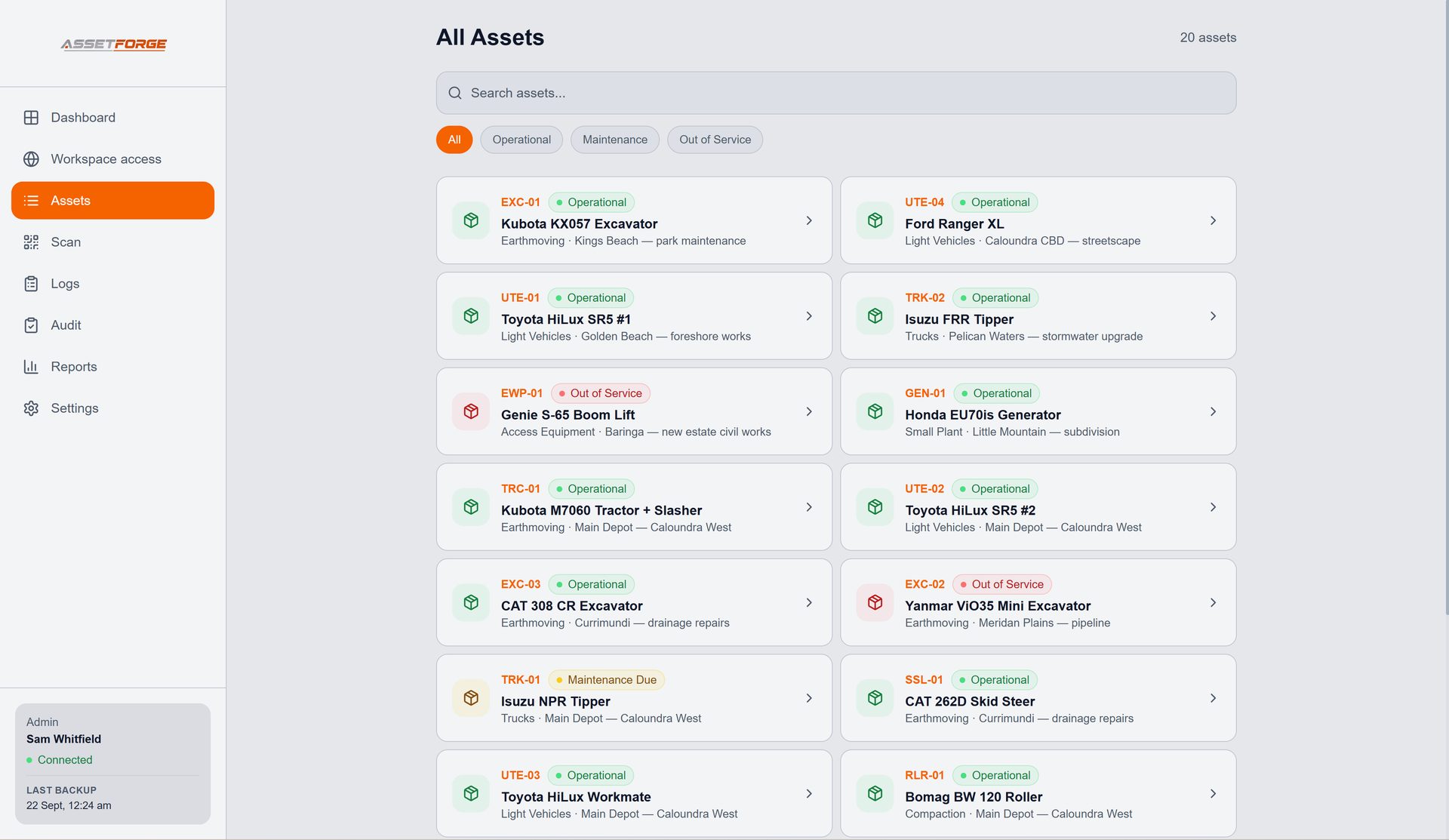
Every scan, checklist, fault, fix, report and document becomes more useful when it is connected to the same asset record. AssetForge is designed around that idea instead of treating each form as a separate file.
New in AssetForge
AssetForge is $99.99/month for the full workshop system. AssetForge Advanced ($129.99/month) adds maps, deeper history and your branding.
One tap to take or return an asset, recorded against the staff login with the phone’s location.
Send services to Google, Outlook or Apple Calendar with a time block and an assigned person.
A private https link for phones on mobile data, at job sites or at home. No VPN or router setup.
Colour-coded pins show where every asset was last used, its status and who has it.
Who had what, when and where — with activity by person in reports.
Your logo and colours on reports, QR labels, Do Not Operate tags and posters.
Compare both plans · Recommended plan by industry · Still not convinced? See how we compare on cost →
Start with the product overview or ask for a walkthrough based on the equipment you manage.