Security & data
Your data never leaves your building.
Most software trust pages explain how they protect your data in their cloud. AssetForge's answer is simpler: there mostly isn't one. Here's exactly how the architecture works.
The architecture
Local-first, by design.
This is the single most important thing to understand about how AssetForge handles your data.
AssetForge installs on a Windows computer at your workshop or depot. That machine runs the application and stores the database.
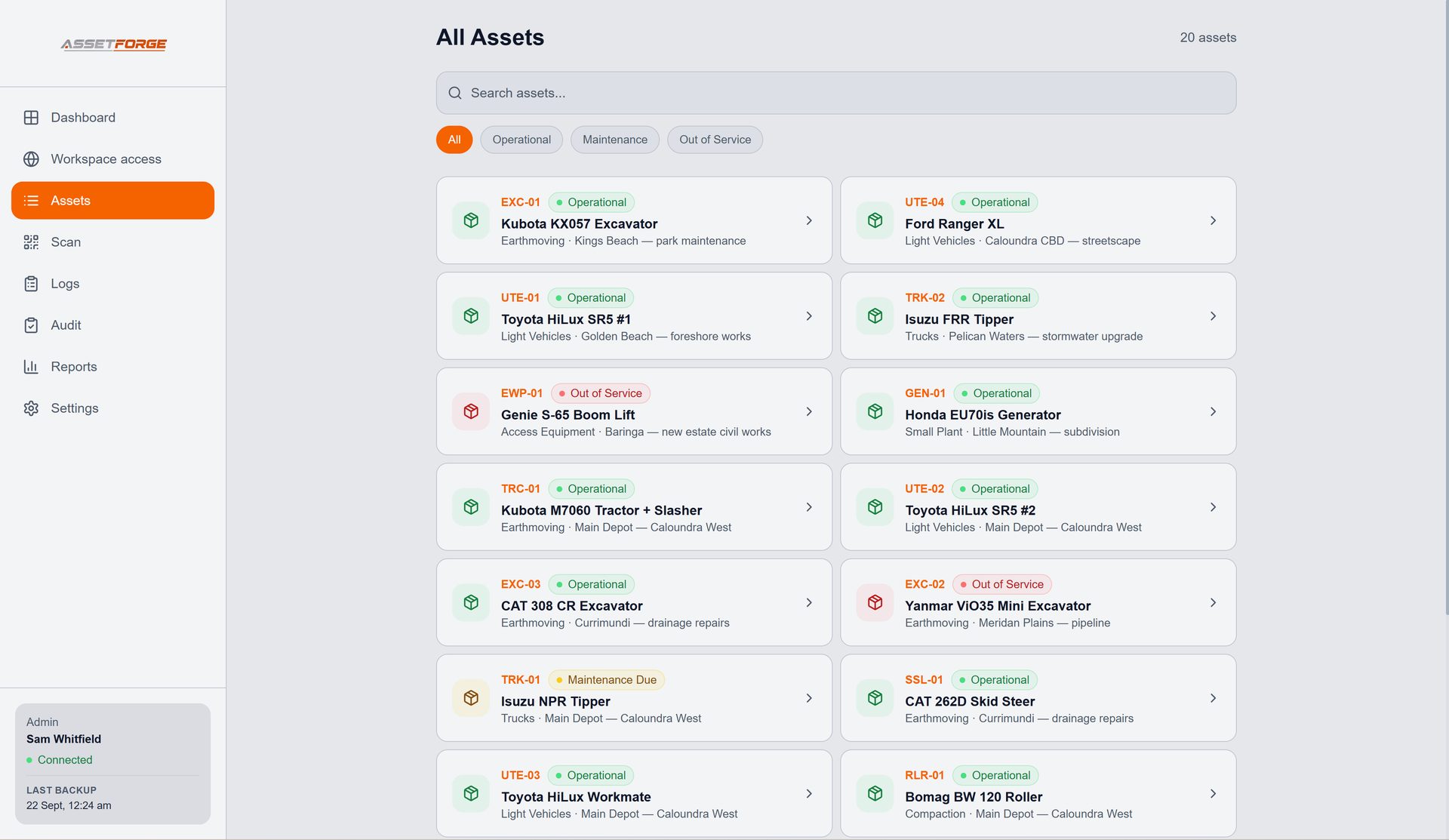
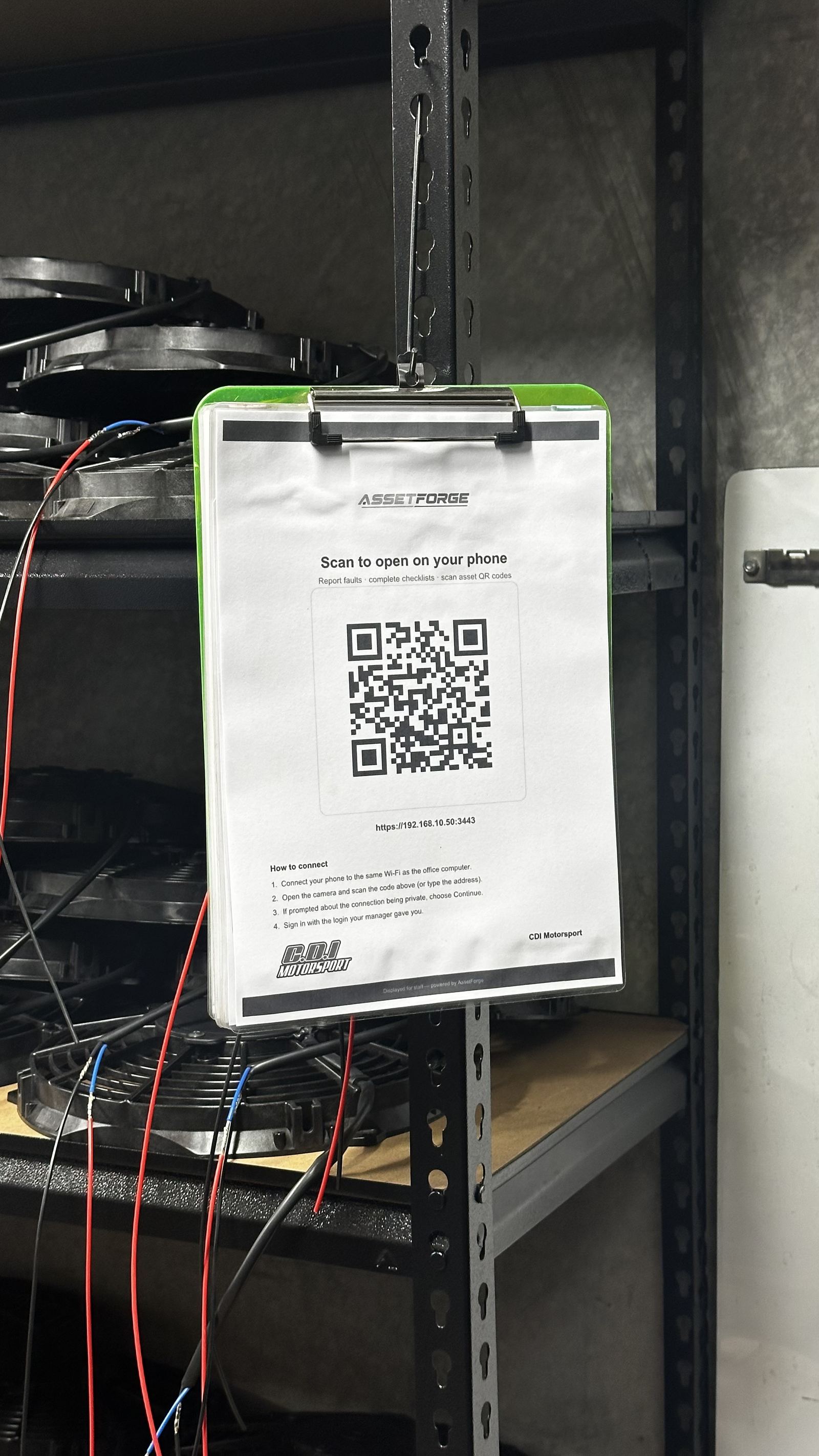
Staff phones connect to AssetForge over your own Wi-Fi, or — when Remote Access is on — through an encrypted https link that runs from your PC out to Cloudflare. No ports are opened on your router, and every person still signs in with their own AssetForge login. There is no public address unless you switch on Remote Access, which gives your workshop a private, encrypted link.
You choose where backups are stored — external drive, network share, or your own cloud storage if you set that up. We do not host or receive a copy.
What that means
Trade-offs, stated plainly.
We'd rather you understand the real trade-off than assume AssetForge works like a typical cloud SaaS product.
- Your data isn't exposed to a breach of our servers, because we don't hold a copy of it
- Nobody outside your business can access your asset records over the internet
- In exchange, backups and physical security of that PC are your responsibility, not ours
- Day-to-day use doesn't depend on our uptime or an internet connection
- With Remote Access off, AssetForge cannot be reached from outside your local network at all; with it on, access is through the encrypted link only, protected by sign-in lockouts and strong admin passwords
A note for fleets
Remote access is optional, and off until an admin turns it on.
If your equipment leaves the building — vehicles, trailers, plant moving between sites — AssetForge can only be used while connected to the network the host computer is on. When Remote Access is on, staff can reach it from the road through the encrypted link — and only with their own login. See the Transport & fleet page for how workshops plan around this.
Access control
Who can see what.
Role-based logins are built in at no extra cost.
Create a login for each employee and scope what they can see and do — scanning and checks for most staff, admin access for managers.
Your licence key activates on up to 2 machines, so you know exactly where the admin installation lives.
We don't sell or share your operational data — see the full Privacy Policy for what limited information we do handle.
Questions about how this fits your setup?
Ask before you commit — happy to talk through your network setup.