Digital pre-start checklist software
Replace paper pre-starts with a checklist tied to the actual machine.
AssetForge lets staff open an asset from their phone, complete a consistent pre-start, record usage hours and report problems without producing another sheet of paper to file later.
The workflow
Scan. Check. Report. Keep the record.
The value of a digital pre-start is not just removing paper. It is making sure the inspection lands against the right asset and can still be found when someone needs the history later.
Open the right asset
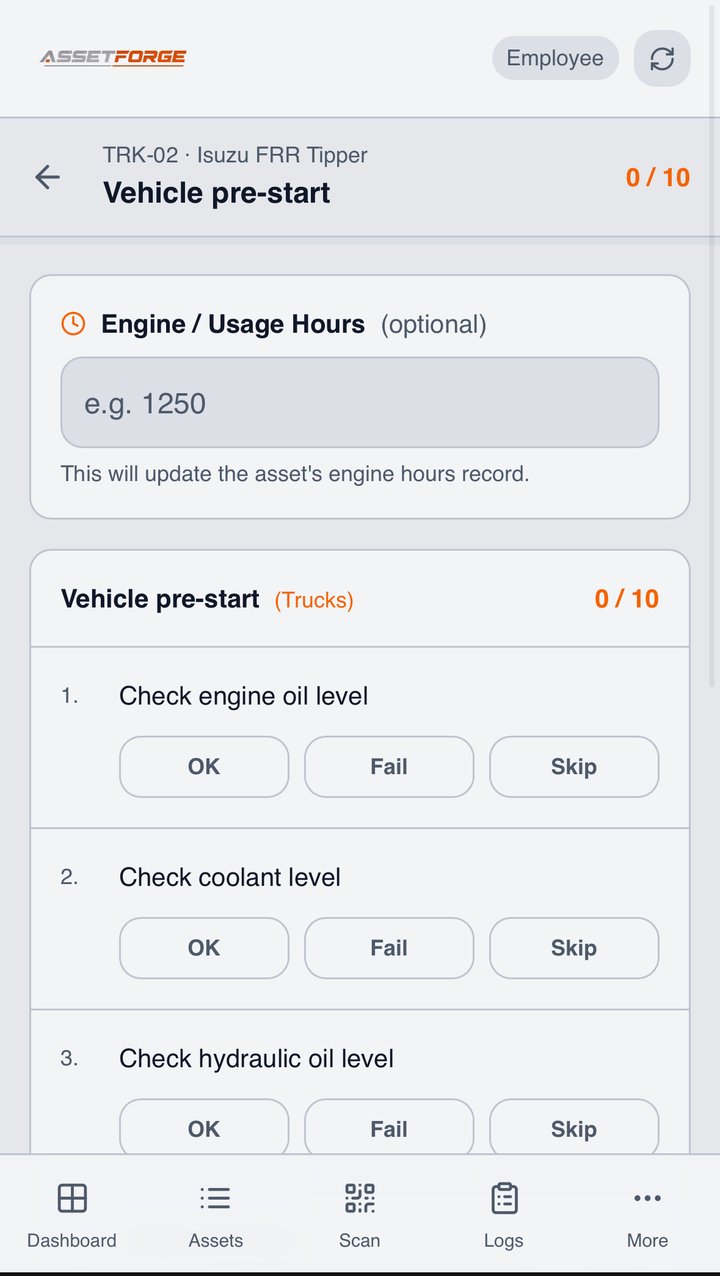
Scan its QR label or select the asset from the phone workflow.
Complete the checklist
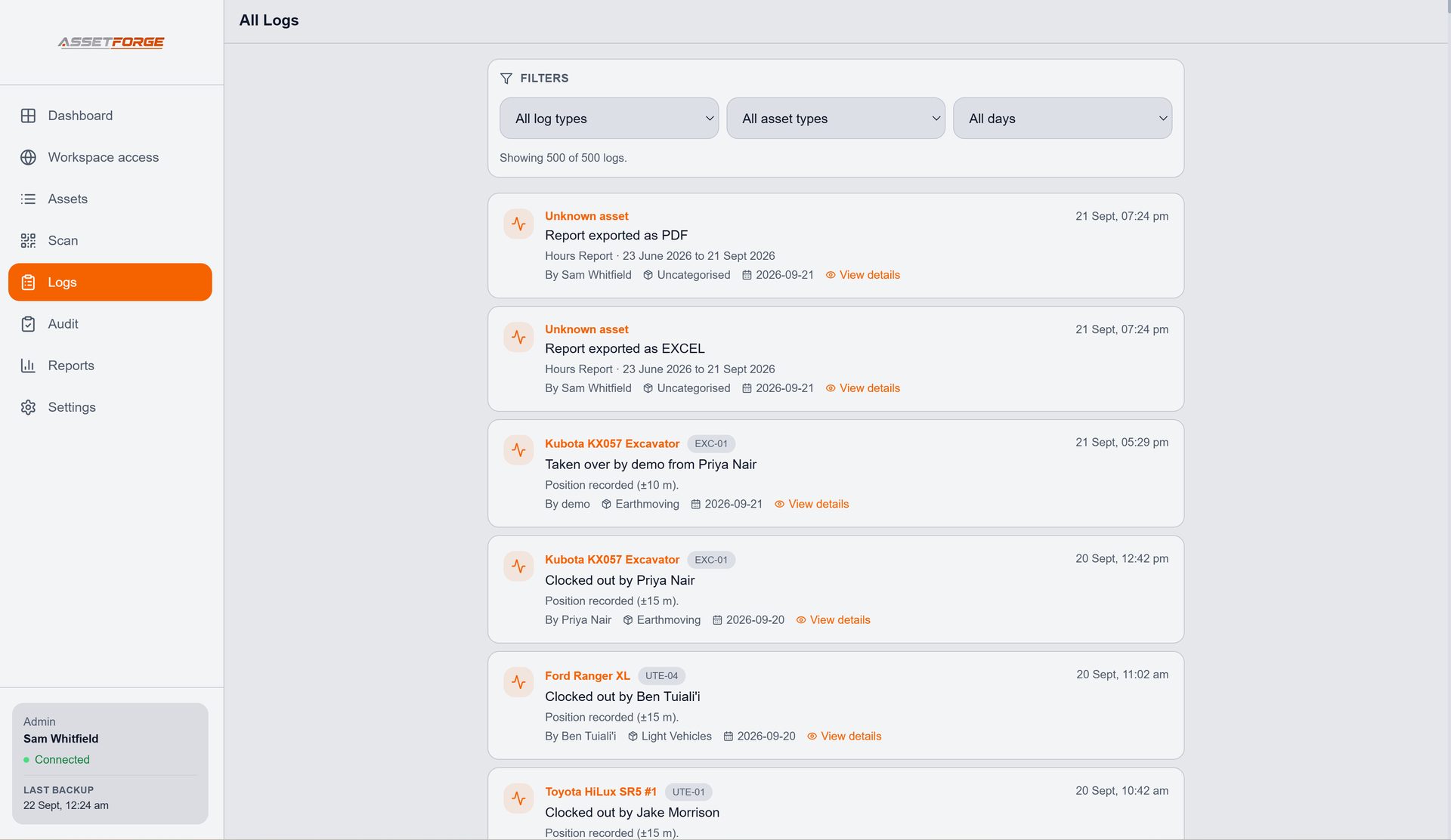
Work through the same defined items with pass, fail or skip responses.
Capture usage
Record engine or usage hours when the checklist calls for it.
Keep the history
The submitted check remains attached to the asset instead of becoming another loose form.
When something fails
Make the problem visible while the context is still fresh.
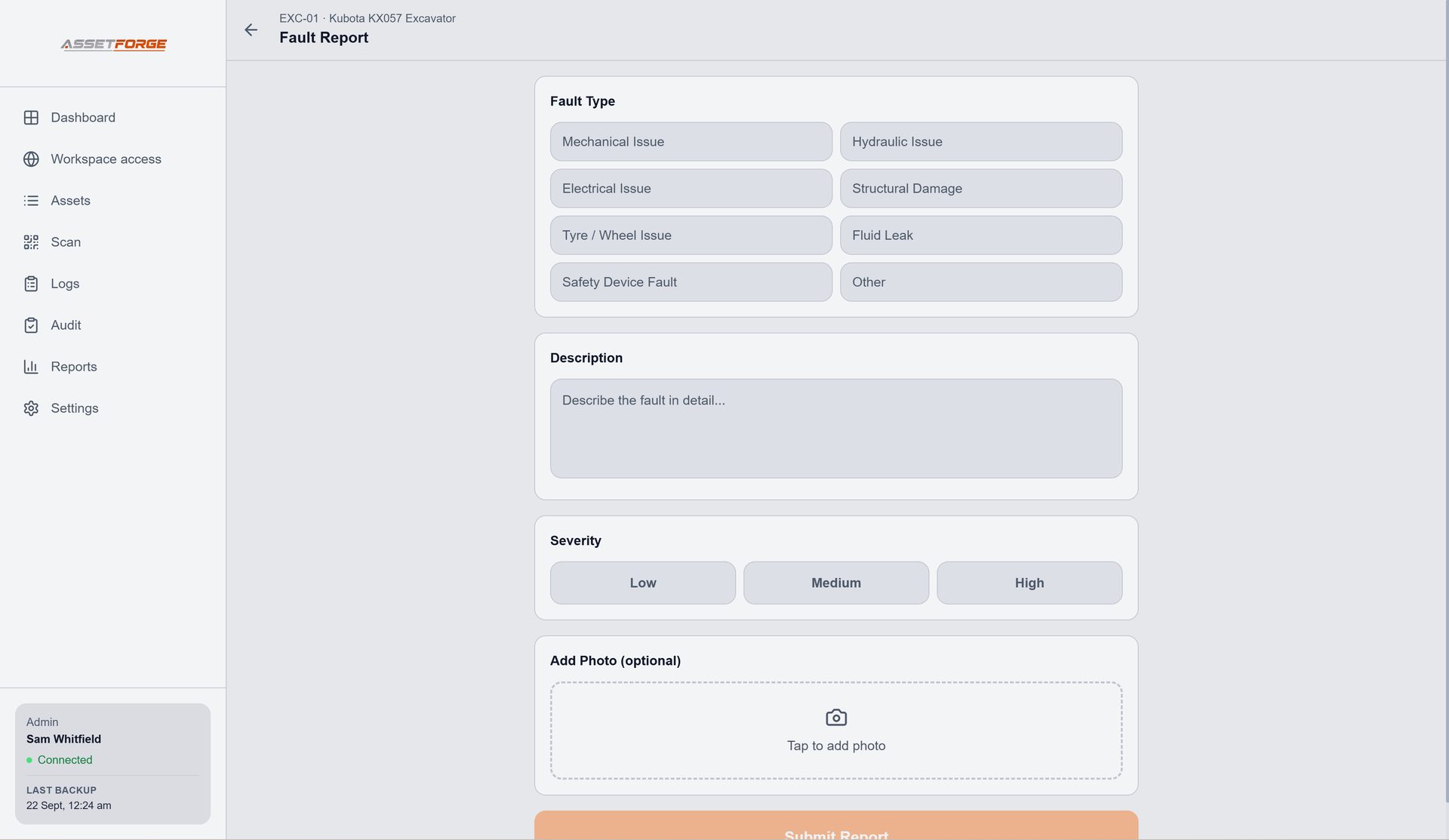
A failed item is useful only if the issue can be followed up. AssetForge keeps fault reporting and the asset record in the same workflow, so the problem does not have to be retyped from a paper sheet later.
- Describe the fault and its severity
- Add supporting photos
- Review the issue from the desktop workspace
- Keep fixes and activity in the asset history
Paper vs digital
What changes when pre-starts become part of the asset record?
The checklist itself can stay familiar. The improvement is what happens before and after it is completed.
| Workflow | Paper pre-start | AssetForge digital pre-start |
|---|---|---|
| Find the form | Clipboard, book or printed sheet | Open the asset from a QR label or phone interface |
| Identify the machine | Written or selected manually | Checklist is completed from the asset record |
| Record a fault | Often written separately or passed on verbally | Fault can be logged with details and photos |
| Review history | Find and read stored sheets | Search the digital history attached to the asset |
| Share with the office | Move or re-enter paperwork | Submission is available in the desktop system |
Questions
Digital pre-start checklist FAQ
How the AssetForge pre-start workflow works day to day.
How do digital pre-start checklists work in AssetForge?
A staff member opens the relevant asset on their phone, completes the assigned checklist item by item and submits the result. The record is stored against that asset for later review.
Do staff need to install an app?
No. Staff use a phone browser — on the workshop Wi-Fi, or anywhere through AssetForge's secure remote link.
Can a failed check become a fault record?
AssetForge supports fault reporting with descriptions, severity and photos so an issue found during an inspection can be recorded and followed up against the asset.
Can the checklist record engine or usage hours?
Yes. Checklists can capture engine or usage hours so the asset record can be updated as the inspection is completed.
New in AssetForge
New features, and which plan they’re in.
AssetForge is $99.99/month for the full workshop system. AssetForge Advanced ($129.99/month) adds maps, deeper history and your branding.
Phone checklists with engine hours, pass/fail per item and instant fault reporting.
Take unsafe equipment out of service in the app and print a matching tag.
A private https link for phones on mobile data, at job sites or at home. No VPN or router setup.
Your logo and colours on reports, QR labels, Do Not Operate tags and posters.
Compare both plans · Recommended plan by industry · Still not convinced? See how we compare on cost →
Turn the next pre-start into a useful asset record.
AssetForge keeps checks, faults and history together rather than treating the checklist as the end of the process.