Guide
How to QR-tag a workshop, practically.
Tagging equipment sounds simple until you're standing in front of forty assets wondering where to start. Here's a practical order of operations.
Don't tag everything on day one. Start with the equipment where a missed check has real consequences — hoists, forklifts, fixed machinery with safety requirements.
Laminate or use a purpose-made label that survives grease, weather and handling. A printed sheet in a sandwich bag works better than nothing, but won't last.
Somewhere visible and reachable during normal use — not tucked behind the machine where nobody will bother finding it.
A forklift and a press brake need different pre-start items. Generic checklists get skipped faster than relevant ones.
Make tagging part of receiving new equipment, not a backlog task that never gets caught up on.
If an asset's check history is empty months later, that's a sign the tag is in the wrong place, or the checklist is too long.
What this looks like
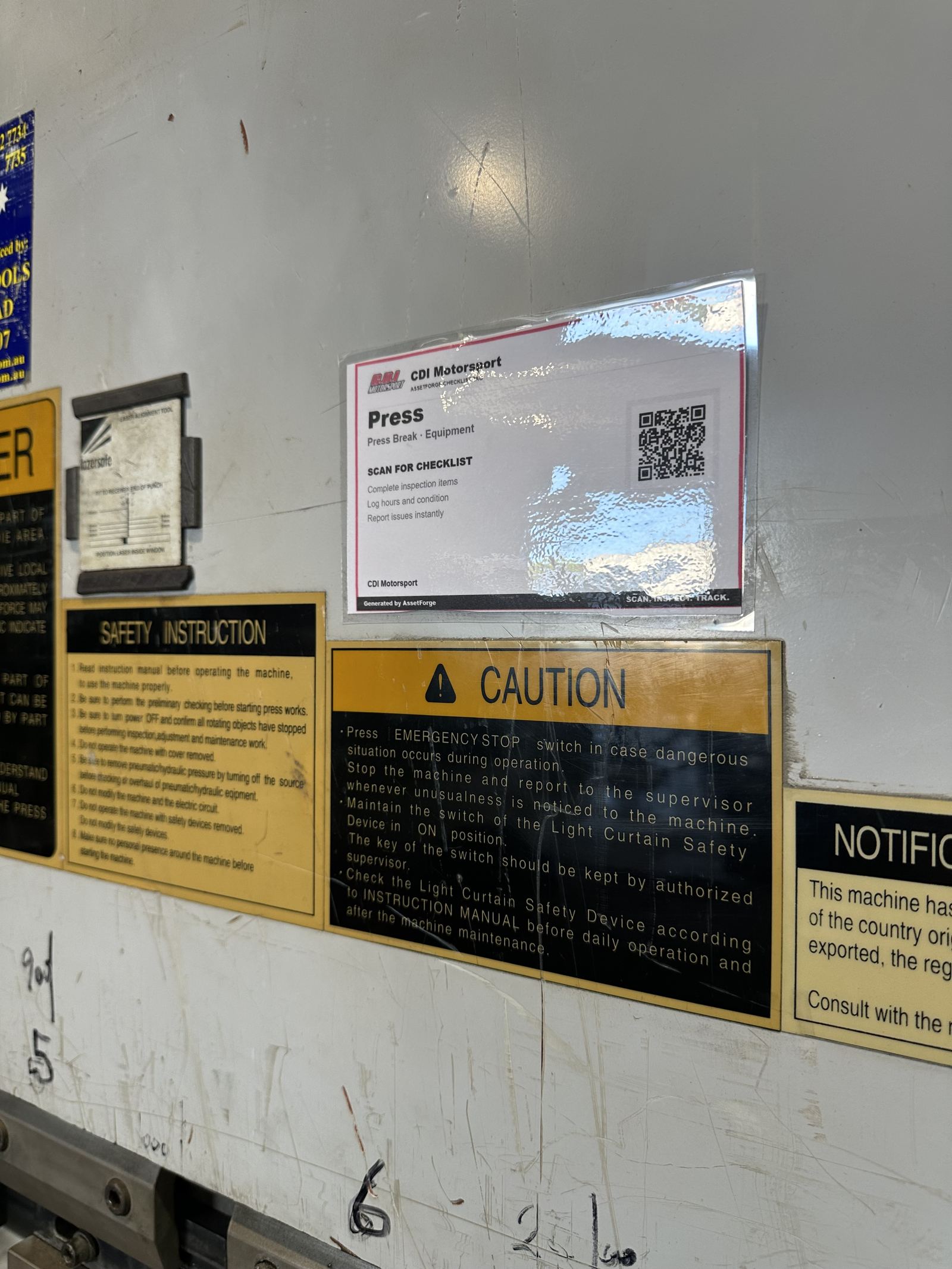
Real tags, mounted the way this guide describes.
These are actual AssetForge tags in use — laminated, mounted where they'll get scanned, with a checklist matched to the specific machine.
New in AssetForge
New features, and which plan they’re in.
AssetForge is $99.99/month for the full workshop system. AssetForge Advanced ($129.99/month) adds maps, deeper history and your branding.
One tap to take or return an asset, recorded against the staff login with the phone’s location.
A private https link for phones on mobile data, at job sites or at home. No VPN or router setup.
Colour-coded pins show where every asset was last used, its status and who has it.
Your logo and colours on reports, QR labels, Do Not Operate tags and posters.
Compare both plans · Recommended plan by industry · Still not convinced? See how we compare on cost →
Generate labels straight from the app.
AssetForge prints ready-to-laminate QR labels for every asset you register.